 Figma
 API
 Web to code extension
 Adobe XD
 Discord
 Twitter
 GitHub


Prototyping Tools: How to Choose the Right One for Your UX Test
Reading Time: 7 minutesCompare prototyping tools by the behavior you need to test, from clickable flows to working web apps, then use a five-step test to choose the right fidelity.


Reading Time: 7 minutesCompare prototyping tools by the behavior you need to test, from clickable flows to working web apps, then use a five-step test to choose the right fidelity.
Reading Time: 7 minutesLearn hierarchy, scale, contrast, proximity, alignment, balance, repetition, and typography through a real subscription-settings example and a practical audit.

Reading Time: 13 minutesGoogle Stitch review for 2026: what it is, whether it is free, generation limits, Figma and code export, the MCP server, a hands-on test plan, user feedback, pros and cons, and the best alternatives.

Reading Time: 17 minutesUX Pilot review for 2026: what it does, pricing and credits, the Nodey Figma plugin, the MCP server, a hands-on test plan, real user feedback, pros and cons, and the best alternatives.
Reading Time: 8 minutesFigma Make is Figma's AI prompt-to-app tool. Here is what it is, how it works step by step, who can use it, how AI credits work, how to publish and export code, and where its limits are.

Reading Time: 13 minutesUser experience basics explained: what UX is, UX vs UI, ten core principles, the five-step design process, key UX laws and how to apply them when you build with AI.

Reading Time: 14 minutesCompare the 10 best wireframing tools and software in 2026, from sketch tools to AI wireframe generators, and see which fits your workflow from low-fidelity wireframe to working code.
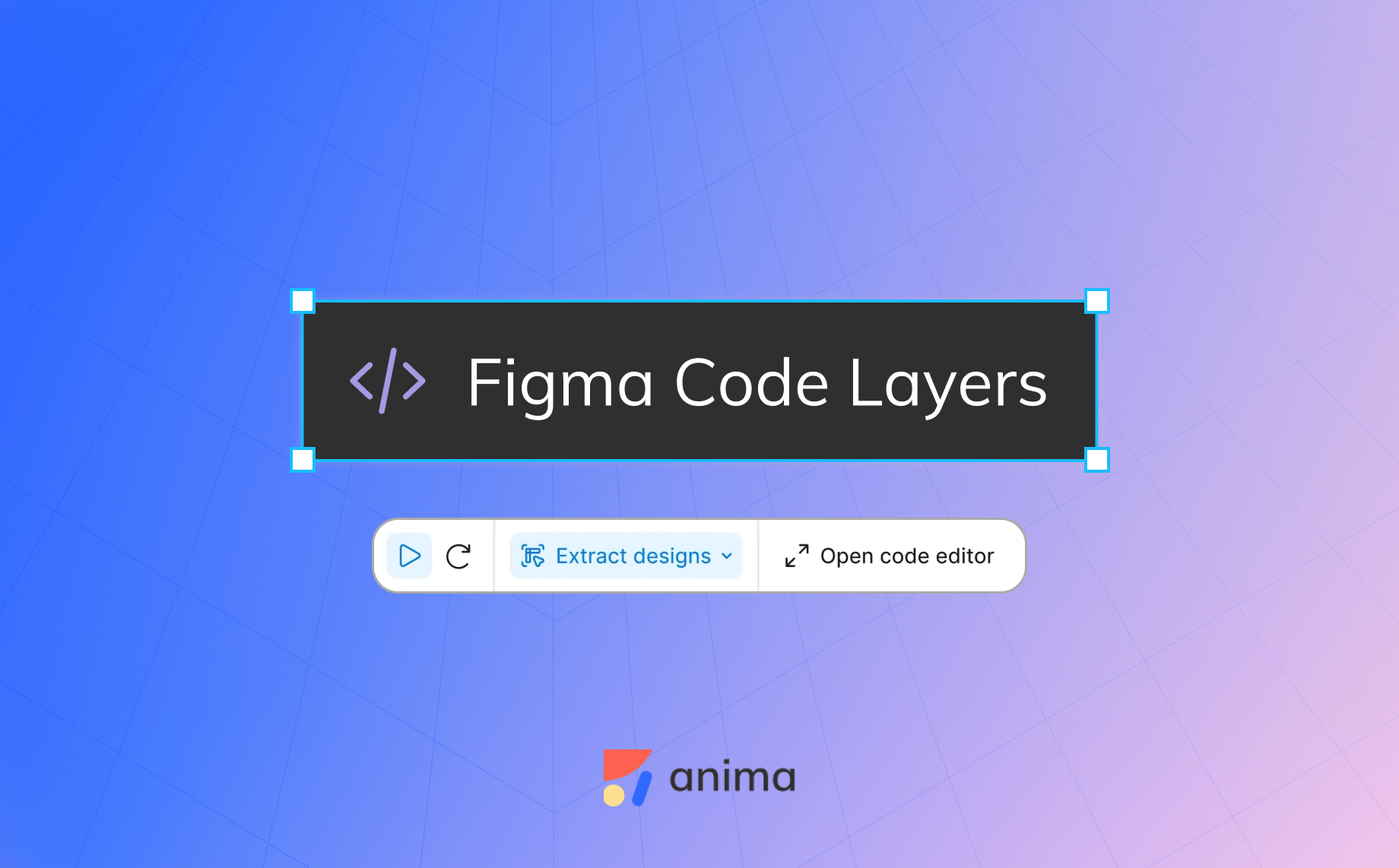
Reading Time: 8 minutesFigma code layers put running code on the canvas and Specs make Markdown the shared plan for teams and agents. What each does, costs, limits, and where Anima and AgentGrid.io fit.

Reading Time: 8 minutesClaude Design is Anthropic’s AI design workspace for prototypes, visuals, and interactive concepts. See how it works, what it costs, its exports, and when to use it.
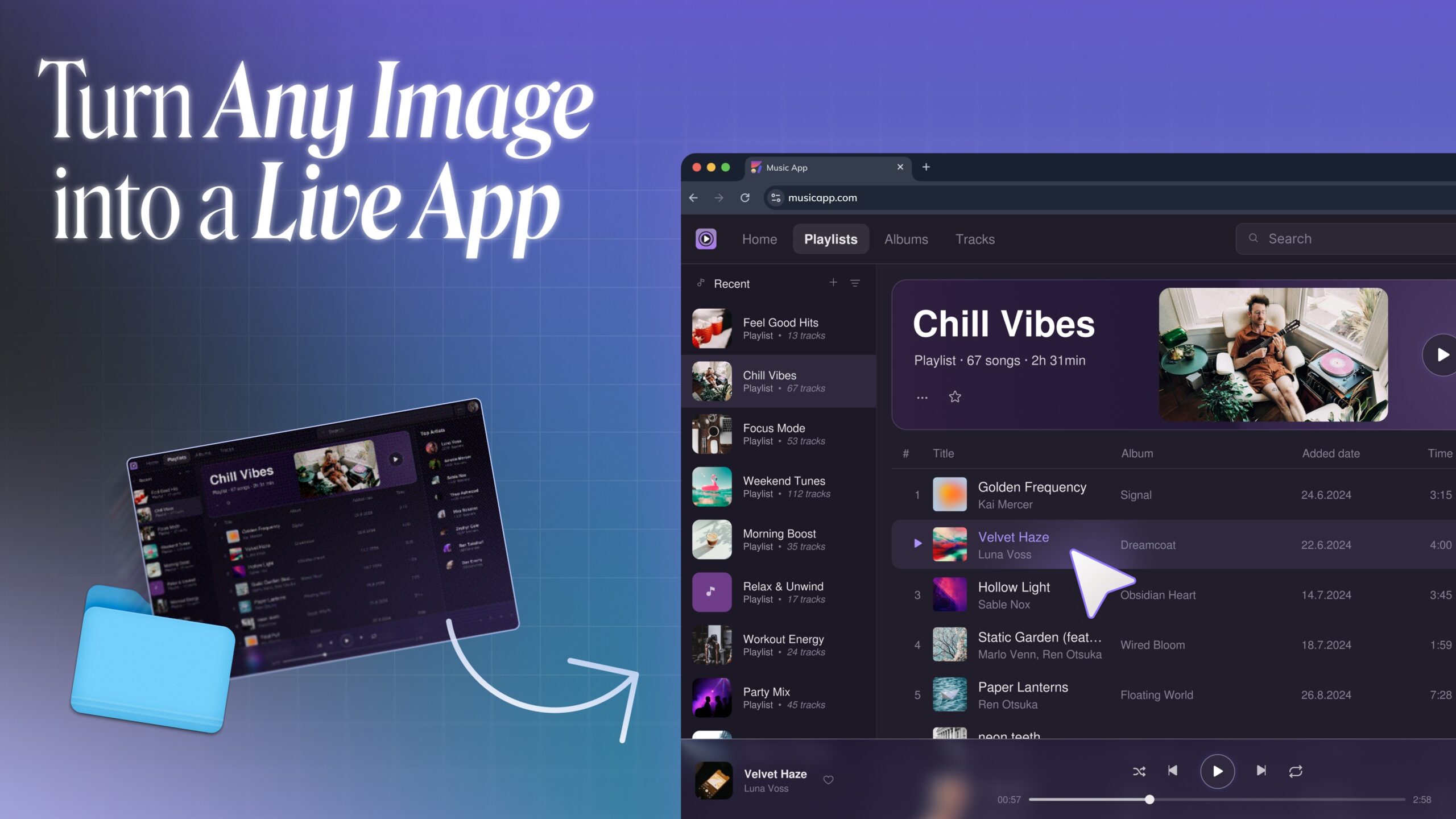
Reading Time: 6 minutesTurn screenshots, mockups, AI-generated images, and old system designs into live apps with Anima. Learn how image to code turns visual references into responsive HTML or React.

Reading Time: 8 minutesAn up-to-date Claude Design review covering features, pricing, design systems, Claude Code handoff, limitations, and the best alternatives for Figma and production workflows.
Reading Time: 2 minutesLearn how to import a Claude artifact or Claude AI prototype into Figma using Anima Buddy. Copy from Claude, paste into Figma, and get editable layers, screens, and states.
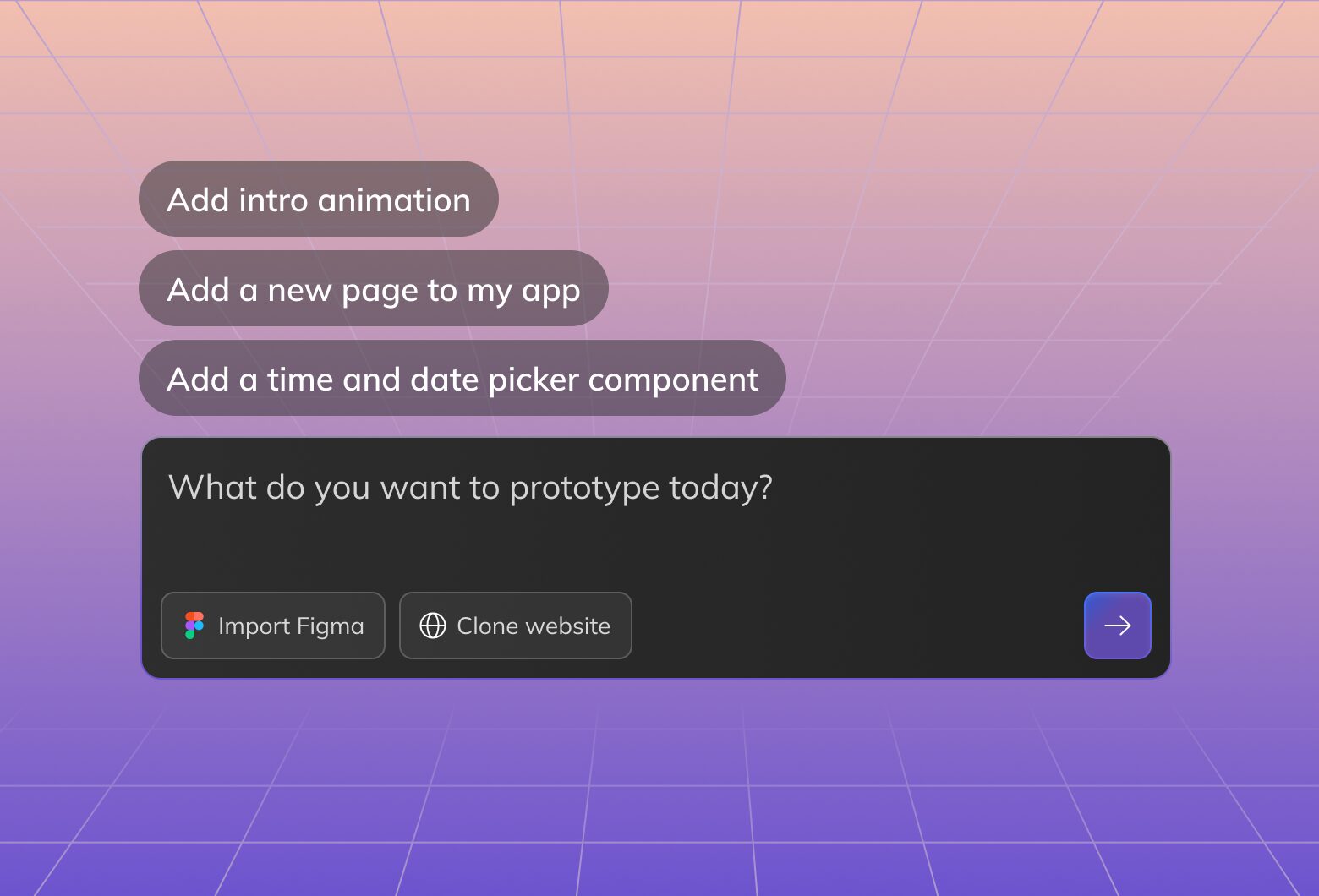
Reading Time: 10 minutesAI design in 2026 means starting with a prompt, image, website, or Figma design, then working with AI agent to create, edit, code, and publish working web experiences.

Reading Time: 10 minutesGraphic design in 2026 has changed forever thanks to AI. Anyone can design. Yet, design fundamentals remain a key to good design.
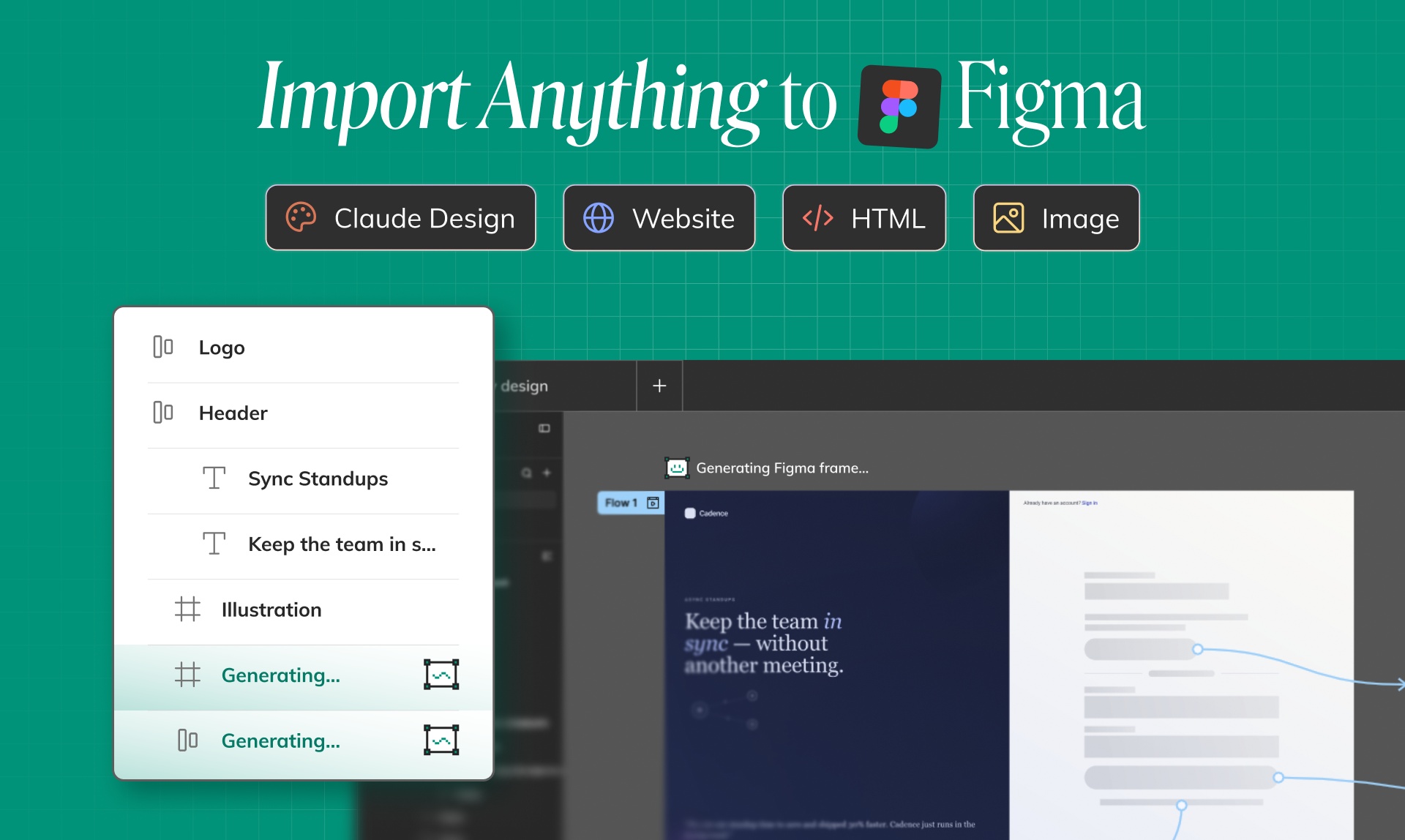
Reading Time: 5 minutesImport Claude Design artifacts, Claude artifacts, HTML, images, screenshots, and website URLs into Buddy, then get editable Figma layers on the canvas.