 Figma
 API
 Web to code extension
 Adobe XD
 Discord
 Twitter
 GitHub


User Interface Design: Principles, Process, and a Practical Checklist
Reading Time: 6 minutesLearn what user interface design includes, how it differs from UX, and a practical workflow for creating clear, accessible, testable web interfaces.


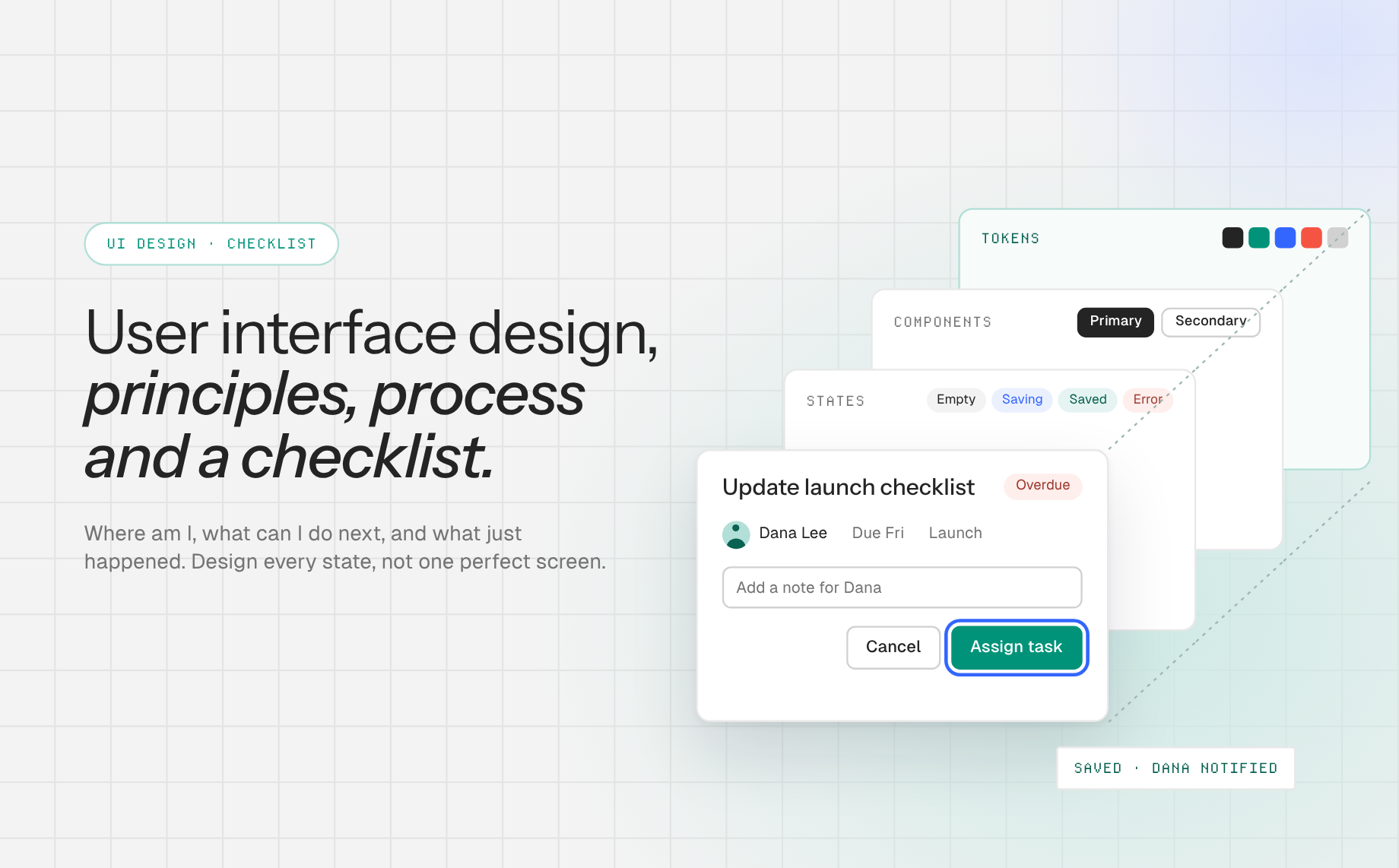
Reading Time: 6 minutesLearn what user interface design includes, how it differs from UX, and a practical workflow for creating clear, accessible, testable web interfaces.
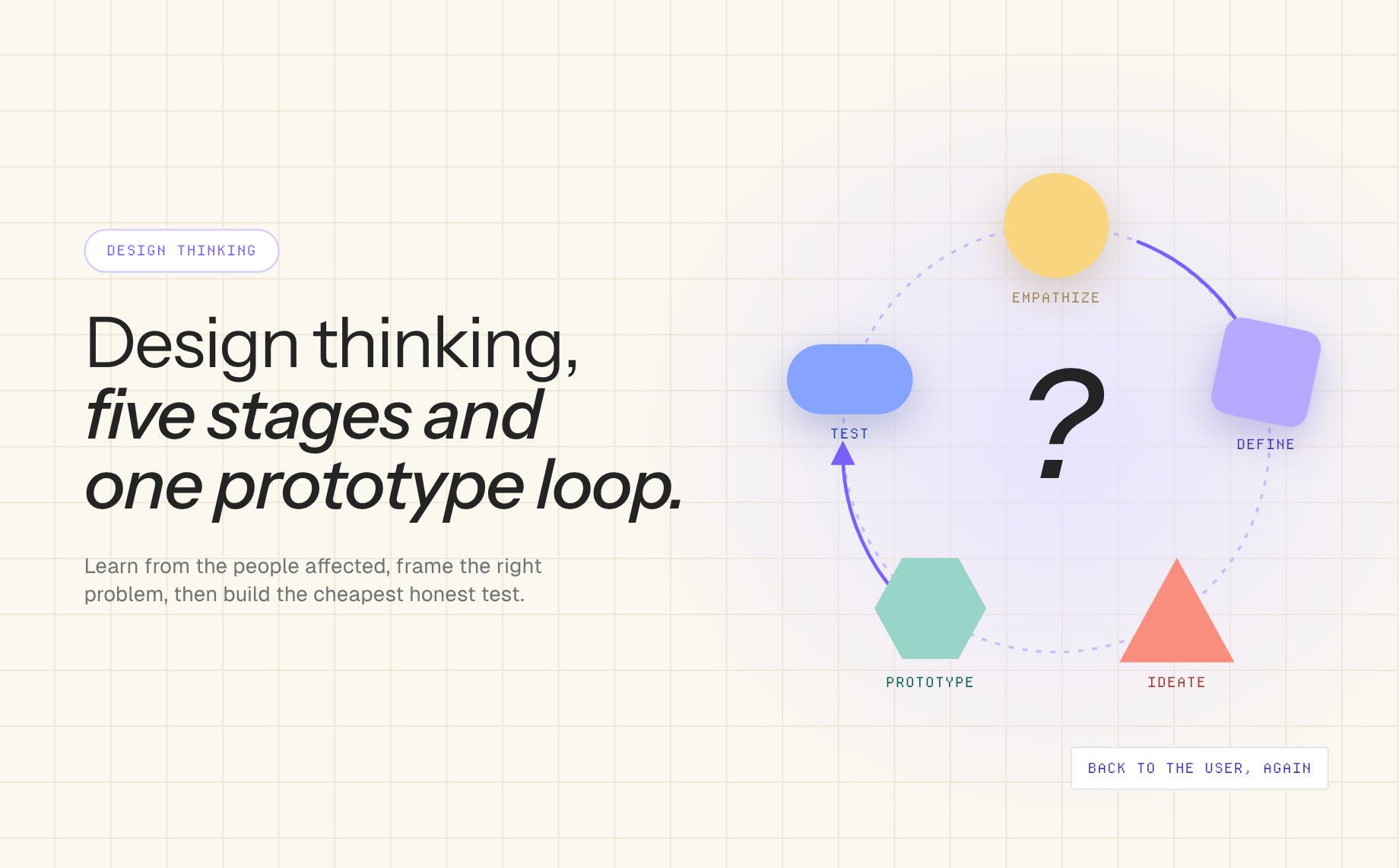
Reading Time: 6 minutesLearn the five design thinking stages, see a concrete product example, and move from user research to a testable prototype without treating the method as a rigid checklist.
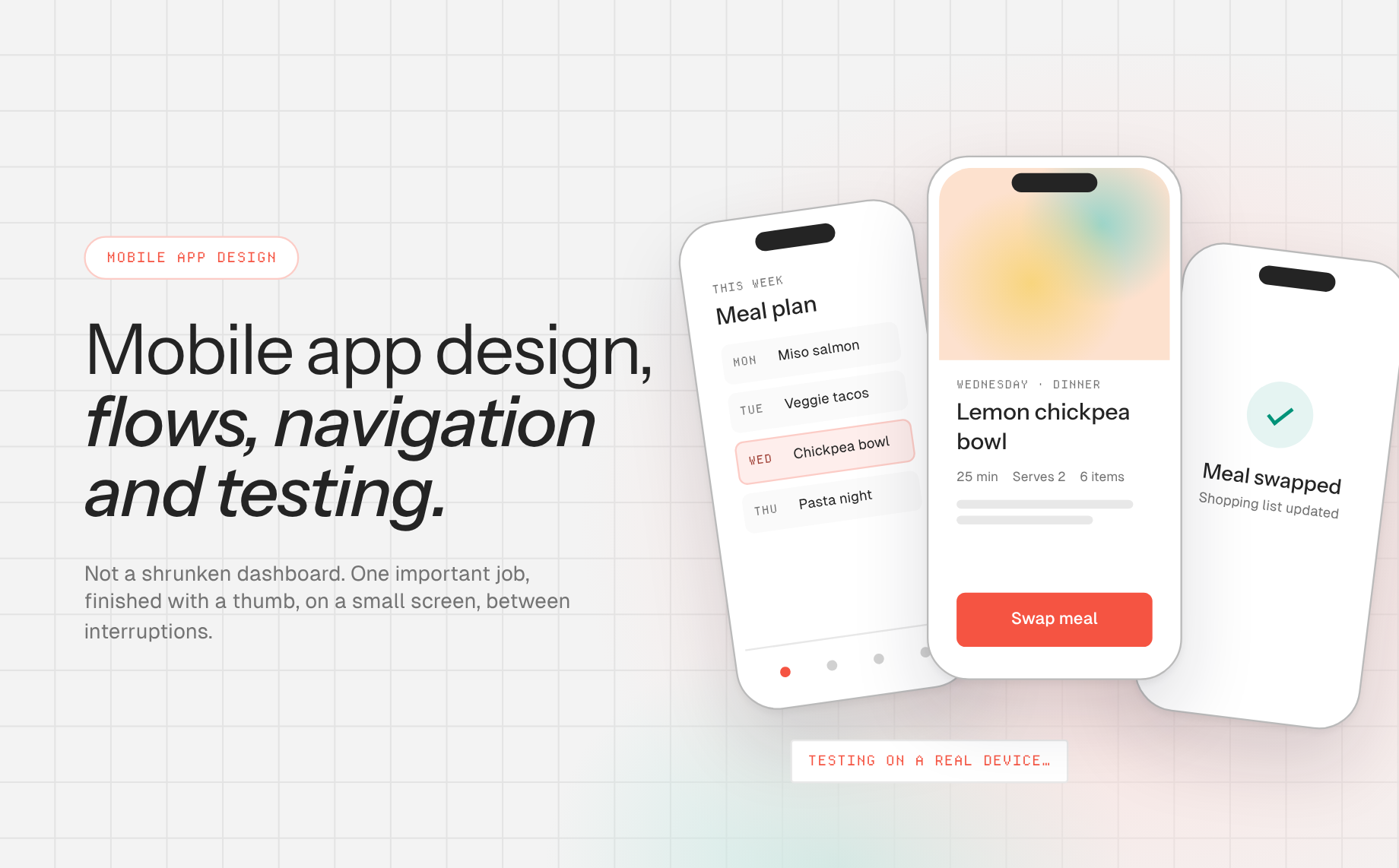
Reading Time: 6 minutesDesign better mobile app experiences with a task-first process, platform-aware navigation, accessible touch controls, responsive prototyping, and real-device testing.


Reading Time: 13 minutesUser experience basics explained: what UX is, UX vs UI, ten core principles, the five-step design process, key UX laws and how to apply them when you build with AI.

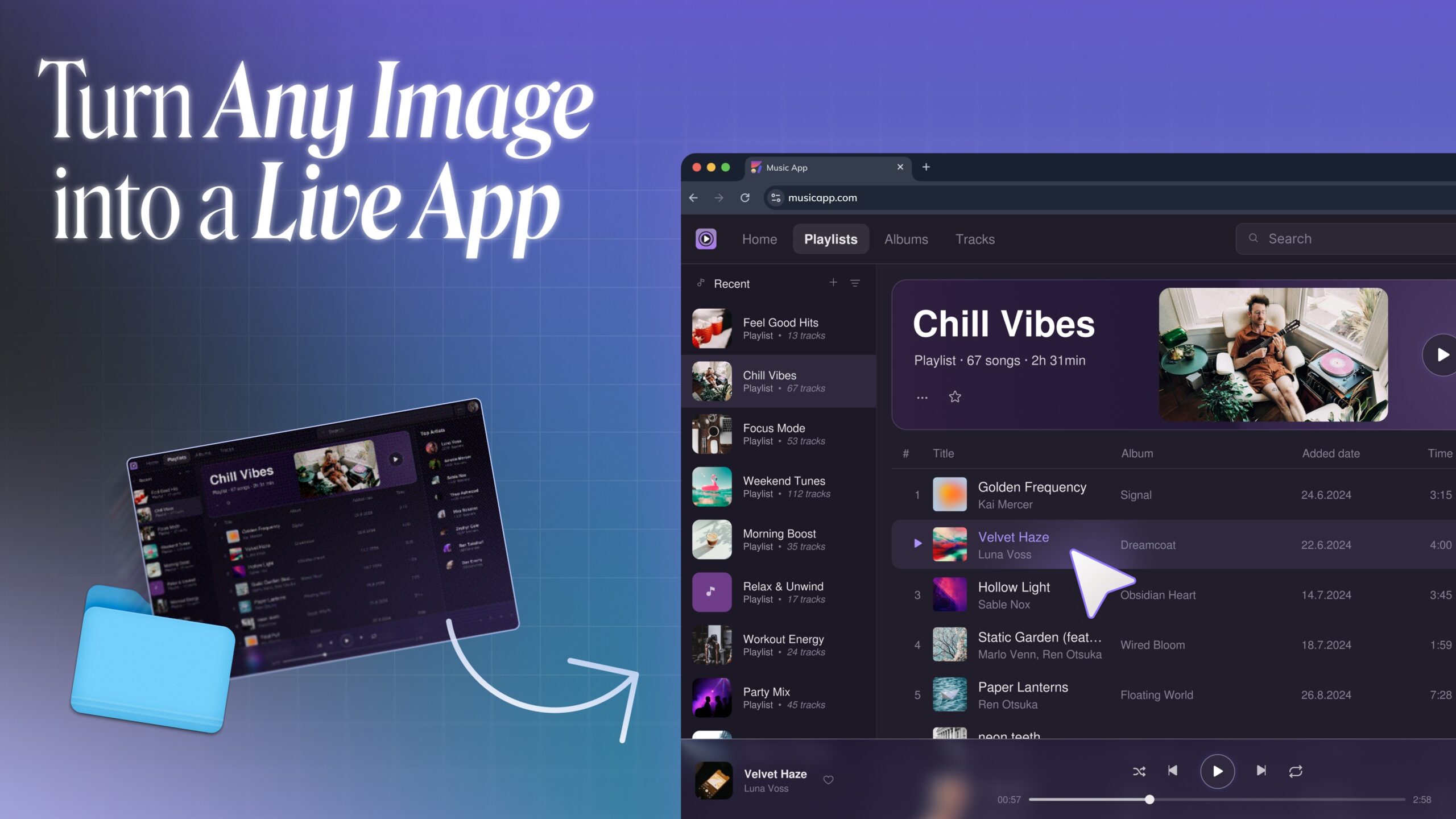
Reading Time: 6 minutesTurn screenshots, mockups, AI-generated images, and old system designs into live apps with Anima. Learn how image to code turns visual references into responsive HTML or React.
Reading Time: 2 minutesLearn how to import a Claude artifact or Claude AI prototype into Figma using Anima Buddy. Copy from Claude, paste into Figma, and get editable layers, screens, and states.
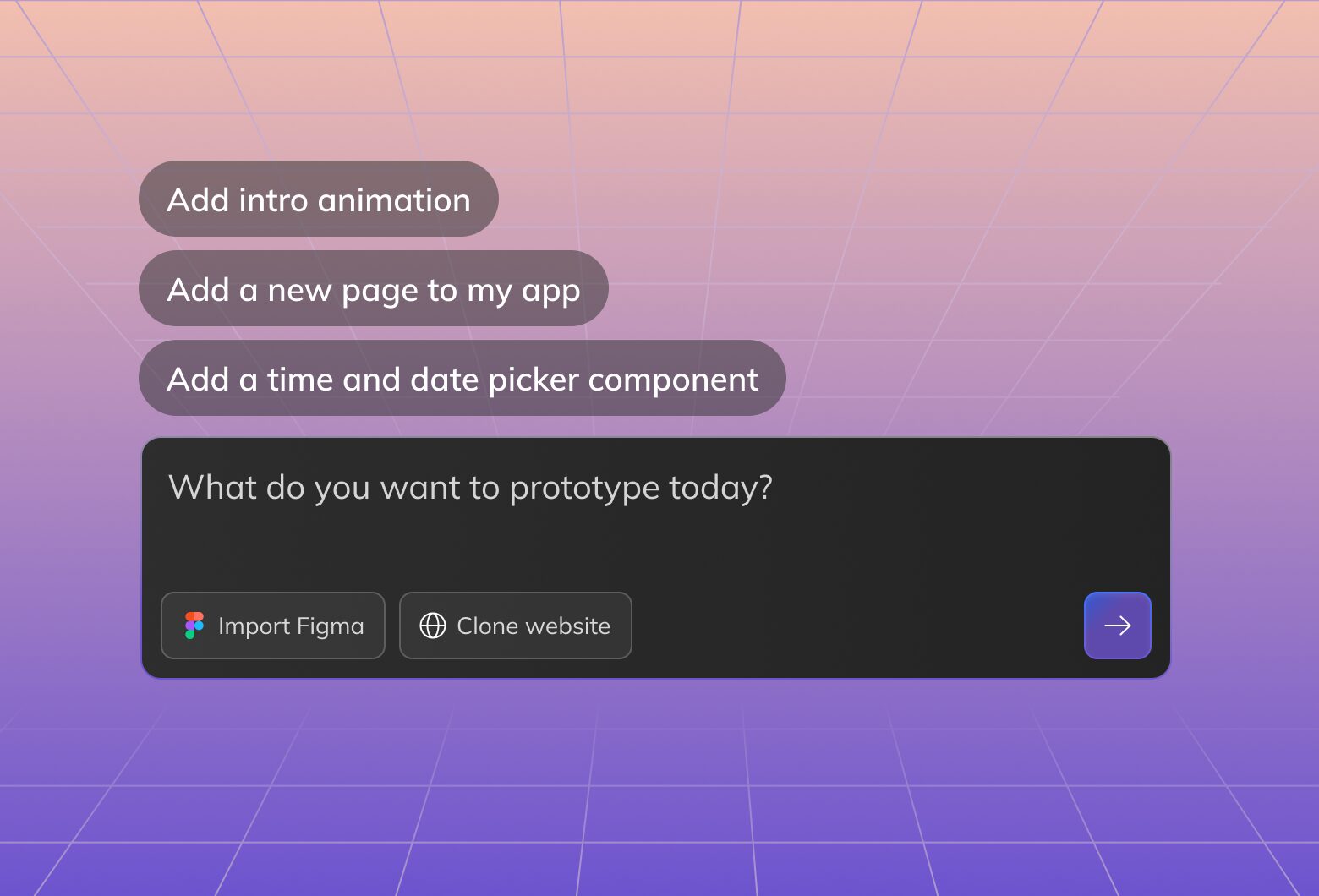
Reading Time: 10 minutesAI design in 2026 means starting with a prompt, image, website, or Figma design, then working with AI agent to create, edit, code, and publish working web experiences.

Reading Time: 10 minutesGraphic design in 2026 has changed forever thanks to AI. Anyone can design. Yet, design fundamentals remain a key to good design.