 Figma
Figma API
API Web to code extension
 Adobe XD
 Discord
 Twitter
 GitHub



Claude Design Review (2026): Features, Pros, Cons & Alternatives11 min read
Reading Time: 8 minutesUpdated October 2026: Claude Design is now in beta for paid Claude Pro, Max, Team, and Enterprise plans. This review reflects direct on-canvas editing, design-system and codebase imports, Claude Code handoff, mobile viewing, the standalone claude.ai/design workspace, and the latest export options. It also reflects the product’s current gaps: no native Figma export, basic multi-person editing, and no version history.
Quick verdict: Claude Design is a strong choice for turning a conversation into a polished visual concept, interactive prototype, slide deck, or one-pager. It is especially useful for teams already working with Claude and Claude Code. It is less complete for Figma-centered product teams that need mature multiplayer collaboration, version history, or native Figma handoff.
| Area | Score | Review |
|---|---|---|
| Speed from prompt to concept | 9/10 | Fast, conversational, and easy to iterate |
| Direct editing | 8/10 | Chat, comments, and on-canvas edits cover the main refinement loop |
| Design-system support | 8/10 | Useful codebase and design-system imports, with quality depending on source context |
| Developer handoff | 8/10 | Strongest when the next step is Claude Code or an HTML/code export |
| Figma workflow | 5/10 | No native Figma export |
| Collaboration and history | 5/10 | Basic multi-person editing and no version history |
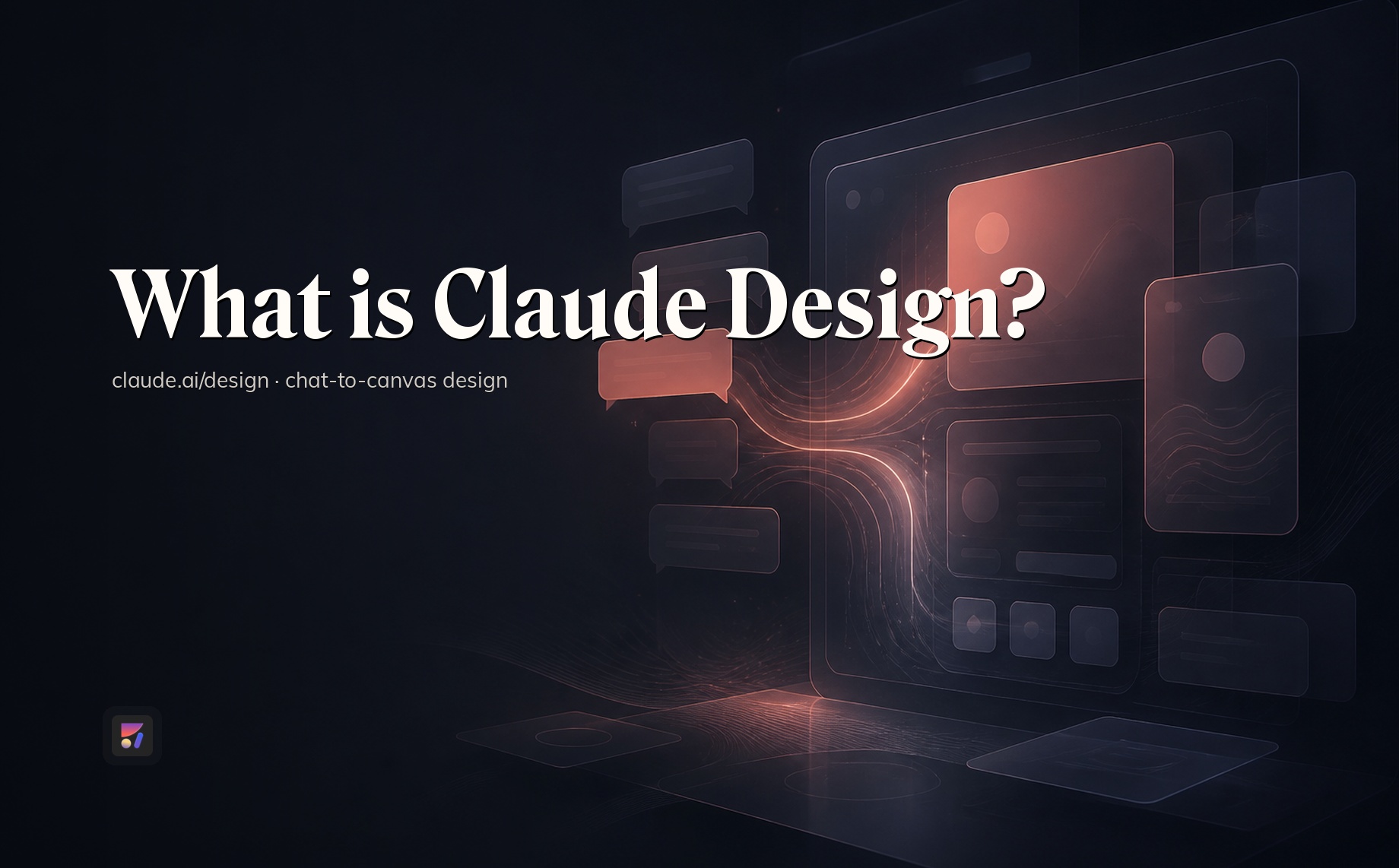
This Claude Design review covers the current features, pros and cons, comparisons with Claude Code and Figma, and the best alternatives for different workflows. For a neutral product definition and setup guide, read What is Claude Design?
What is Claude Design?
Claude Design is Anthropic’s AI design workspace for creating and refining visual work through conversation. It can produce product concepts, interactive prototypes, slides, one-pagers, marketing visuals, and other designed artifacts. You can use it in Claude conversations, Artifacts, Claude Code workflows, mobile viewing, or the standalone Claude Design workspace.
Unlike a traditional blank-canvas editor, Claude Design begins with a prompt and context. You describe the audience, goal, content, and visual direction, then refine the result through conversation and direct edits. That makes it accessible to product managers, founders, marketers, designers, and developers who need a credible visual direction quickly.
Claude Design features in 2026
1. Prompt-to-design generation
Claude Design turns natural-language instructions into visual artifacts. Common use cases include:
- Product wireframes and app screens
- Landing pages and interactive prototypes
- Pitch decks and presentations
- One-pagers and campaign concepts
- Internal tools and dashboards
- Social and marketing visuals
The first output works best as a starting point. Specific prompts about users, hierarchy, brand, content, device size, and interaction produce more useful results than broad requests such as “make a modern app.”
2. Conversational and direct on-canvas editing
You can request broad changes in chat, comment on a specific area, edit content directly, and adjust the design on the canvas. This combination makes the tool better suited to iteration than a one-shot image generator. You can change layout, spacing, color, copy, and direction without rebuilding the entire artifact.
3. Design-system and codebase imports
Claude Design can import codebases and design-system context so new work can follow existing colors, typography, components, and patterns. This is a meaningful advantage over generic AI UI generation, especially when the source materials are organized and current.
The limitation is workflow fit. Importing a system is not the same as editing native Figma components and variants in the design team’s source file. Teams should test how faithfully Claude interprets their particular system before treating the output as production-ready.
4. Context from files, images, and existing work
You can add screenshots, documents, images, code, and other project context. Providing real product content and visual references generally improves hierarchy and brand fit. Claude Design can also work alongside Claude conversations, Artifacts, and Claude Code, which is useful when visual work begins inside a broader product discussion.
5. Sharing and collaboration
Claude Design supports sharing and basic multi-person editing. That is enough for lightweight review and iteration, but it is not yet equivalent to the mature multiplayer workflows found in dedicated design suites. Claude Design also has no version history, so teams with formal review, branching, or rollback requirements should plan around that gap.
6. Export and handoff options
Current export paths include zip, PDF, PPTX, standalone HTML, and supported connectors. The Claude-native development path is a handoff to Claude Code, where a visual concept can continue as an implementation project.
There is still no native Figma export. Teams that need editable Figma layers must use another bridge. Anima’s guide explains how to move from Claude Design to Figma.
Claude Design pros and cons
| Pros | Cons |
|---|---|
| Fast route from idea to polished visual direction | No native Figma export |
| Natural chat-based iteration plus direct canvas editing | Basic multi-person editing |
| Creates several artifact types, not only UI screens | No version history |
| Can import codebases and design-system context | Less precise than Figma for detailed component and file work |
| Strong handoff for teams already using Claude Code | Output quality still depends on prompt and source context |
| Useful across product, marketing, design, and founder workflows | Paid-plan access only |
What Claude Design does well
Its biggest strength is speed without forcing every user to learn a professional design tool. A PM can turn a feature brief into a prototype, a founder can shape a pitch narrative, and a marketer can explore a campaign direction in the same conversational environment.
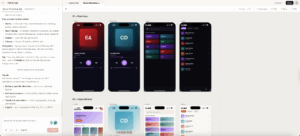
Direct canvas editing is also important. It reduces the friction of explaining every small change through chat. Combined with design-system context and Claude Code handoff, Claude Design can cover more of the path from idea to implementation than a static mockup generator.
Where Claude Design is still limited
The main issue is not generation quality. It is what happens after the first useful concept. Figma-centered teams still need editable native components, variants, detailed layer control, mature comments, and established handoff conventions. Claude Design does not replace all of that.
Collaboration is another constraint. Basic multiplayer editing can support a small working session, but no version history makes the product harder to use as the long-term source of truth for high-stakes design work.
Claude Design vs Claude Code
Claude Design and Claude Code solve different parts of the workflow. Claude Design is the visual exploration and communication layer. Claude Code is the software implementation environment.
| Capability | Claude Design | Claude Code |
|---|---|---|
| Primary job | Create and refine visual concepts | Build, debug, and modify software |
| Main interface | Conversation plus canvas | Codebase and agentic coding workflow |
| Best outputs | Prototypes, slides, one-pagers, visual artifacts | Working application code and repository changes |
| Design-system input | Uses imported visual and code context | Works directly with implementation and repository context |
| When to use | Before or during visual definition | When the concept is ready to implement |
The two are complementary. Use Claude Design to establish the experience and communicate intent, then hand the project to Claude Code when implementation details, application logic, testing, and repository integration become the priority.
Claude Design vs Figma
Claude Design is faster for conversational generation. Figma is stronger for precise, collaborative product design. The right choice depends on whether the immediate goal is exploration or a durable design source of truth.
| Area | Claude Design | Figma |
|---|---|---|
| Starting point | Prompt and context | Canvas, components, or AI-assisted creation |
| Fast concept generation | Excellent | Available, but the broader tool is built for continued design work |
| Precision editing | Good for common refinements | Stronger for detailed visual control |
| Design systems | Imports and applies system context | Native components, variables, libraries, and variants |
| Collaboration | Basic multi-person editing | Mature multiplayer review and design workflows |
| Version history | No | Yes |
| Native Figma handoff | No | Already in the design source |
Claude Design is not a full Figma replacement for most established product design teams. It can, however, shorten the exploration stage before detailed work continues in Figma.
Best Claude Design alternatives
The best alternative depends on what Claude Design is missing in your workflow: production-connected prototypes, native Figma work, UX planning, a different AI ecosystem, or stronger artifact collaboration.
1. Anima Playground
Best for: Teams that want code-connected, brand-aware prototypes and apps.
Anima Playground starts from a prompt, Figma design, image, or URL and creates an interactive web experience with editable code and live preview. It is the stronger fit when a concept needs to become a working prototype or app, connect to product data and auth, publish, or continue into a code workflow.
Try Designing with AI
Describe a website, app, or product flow and turn it into an editable working prototype.
Playground is Anima’s flagship environment for moving from visual direction to a real, interactive prototype or app. It also supports Figma design systems and code handoff, so teams can keep brand and implementation context connected.

2. ChatGPT with AgentGrid.io
Best for: Teams that want ChatGPT-generated HTML artifacts in a shared workspace with publishing and version history.
ChatGPT can generate HTML concepts and images. AgentGrid.io adds a place to store, share, edit, and publish those artifacts. It is most relevant when multi-agent collaboration and durable artifact history matter more than a dedicated visual canvas.

3. Buddy by Anima, Figma AI design agent
Best for: Designers who want an AI assistant working directly on the Figma canvas.
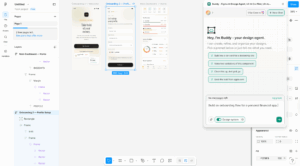
Buddy creates and edits native Figma layers, uses components, variables, and tokens, and can help organize or extend existing designs. It is a better fit than Claude Design when Figma is the source of truth. Buddy can also help bring external HTML into editable Figma layers.
For the exact workflow, see how to go from Claude Design to Figma.
4. Banani
Best for: Fast UI exploration with a Figma-oriented continuation path.
Banani focuses on prompt and reference-based UI generation. Consider it when rapid interface ideation and moving the result into a design workflow are more important than Claude ecosystem integration.
5. UX Pilot
Best for: UX planning, flows, wireframes, and research artifacts.
UX Pilot is a stronger match when the work begins with user journeys, information architecture, and structured UX analysis rather than polished visual generation.
6. Google Stitch
Best for: AI UI ideation in Google’s design and development ecosystem.
Google Stitch focuses on generating and iterating web and mobile interfaces. It is worth comparing when your team prefers Google’s tooling or wants an AI-native UI workspace centered more narrowly on interface design.
Who should use Claude Design?
- Product managers who need a feature concept or interactive mockup quickly
- Founders preparing product narratives, pitch visuals, or early prototypes
- Marketers developing one-pagers, presentations, and campaign directions
- Designers exploring several directions before detailed production work
- Claude Code teams that want a connected visual-to-implementation path
It is a weaker fit when native Figma files, detailed component governance, advanced multiplayer editing, or version history are non-negotiable.
Final verdict: Is Claude Design worth it?
Yes, for paid Claude users who need fast, polished visual exploration. Claude Design combines prompt-based generation, direct canvas editing, design-system context, flexible exports, and a useful Claude Code handoff. That makes it more capable than a simple mockup generator.
It is not yet the single design system of record for a mature product organization. The lack of native Figma export and version history, plus basic multi-person editing, means many teams will use it at the beginning of a workflow rather than as the final home for design.
Choose Claude Design for Claude-native ideation and visual communication. Choose Figma or Buddy for native Figma craft. Choose Anima Playground when the concept needs to become a code-connected prototype or app. If the goal is publishing, read how to publish a website with Claude Design.
FAQ
Is Claude Design free?
No. Claude Design is available in beta on paid Claude Pro, Max, Team, and Enterprise plans. Usage is subject to the limits of the plan.
Can Claude Design replace Figma?
Not for most established product design teams. Claude Design is faster for conversational exploration, while Figma remains stronger for native components, variables, variants, precise editing, collaboration, and version history.
Does Claude Design support design systems?
Yes. Claude Design can import codebases and design-system context and apply that context to new work. Results depend on the quality and completeness of the source materials.
What can Claude Design export?
Claude Design supports zip, PDF, PPTX, standalone HTML, and connector-based export or handoff options. Available connectors can change, so check the current product interface for a specific destination.
Can Claude Design export to Figma?
No. There is no native Figma export. If you need editable Figma layers, use a bridge such as the workflow in Anima’s Claude Design to Figma guide.
What is the difference between Claude Design and Claude Code?
Claude Design creates and refines visual concepts on a canvas. Claude Code works in software projects and codebases. A common workflow is to establish the experience in Claude Design, then continue implementation in Claude Code.
What are the best Claude Design alternatives?
Anima Playground is strong for working code-connected prototypes, Buddy is strong for native Figma design, Banani is useful for rapid UI exploration, UX Pilot focuses on UX planning, Google Stitch supports Google-native UI ideation, and ChatGPT with AgentGrid.io can support shared, versioned HTML artifacts.