
 Figma
Figma API
API Web to code extension
 Adobe XD
 Discord
 Twitter
 GitHub


 Blog
Blog
Clone an entire website – Multiple pages in one shot3 min read
Reading Time: 2 minutesYou could always clone a website with Anima. But if that website had more than one page, and most do, you were in for a grind. Clone the homepage. Export the code. Go back, clone the About page. Export again. Then the Pricing page. Then stitch it all together by hand, wire up the navigation, and hope nothing broke along the way.
Today, that’s over.
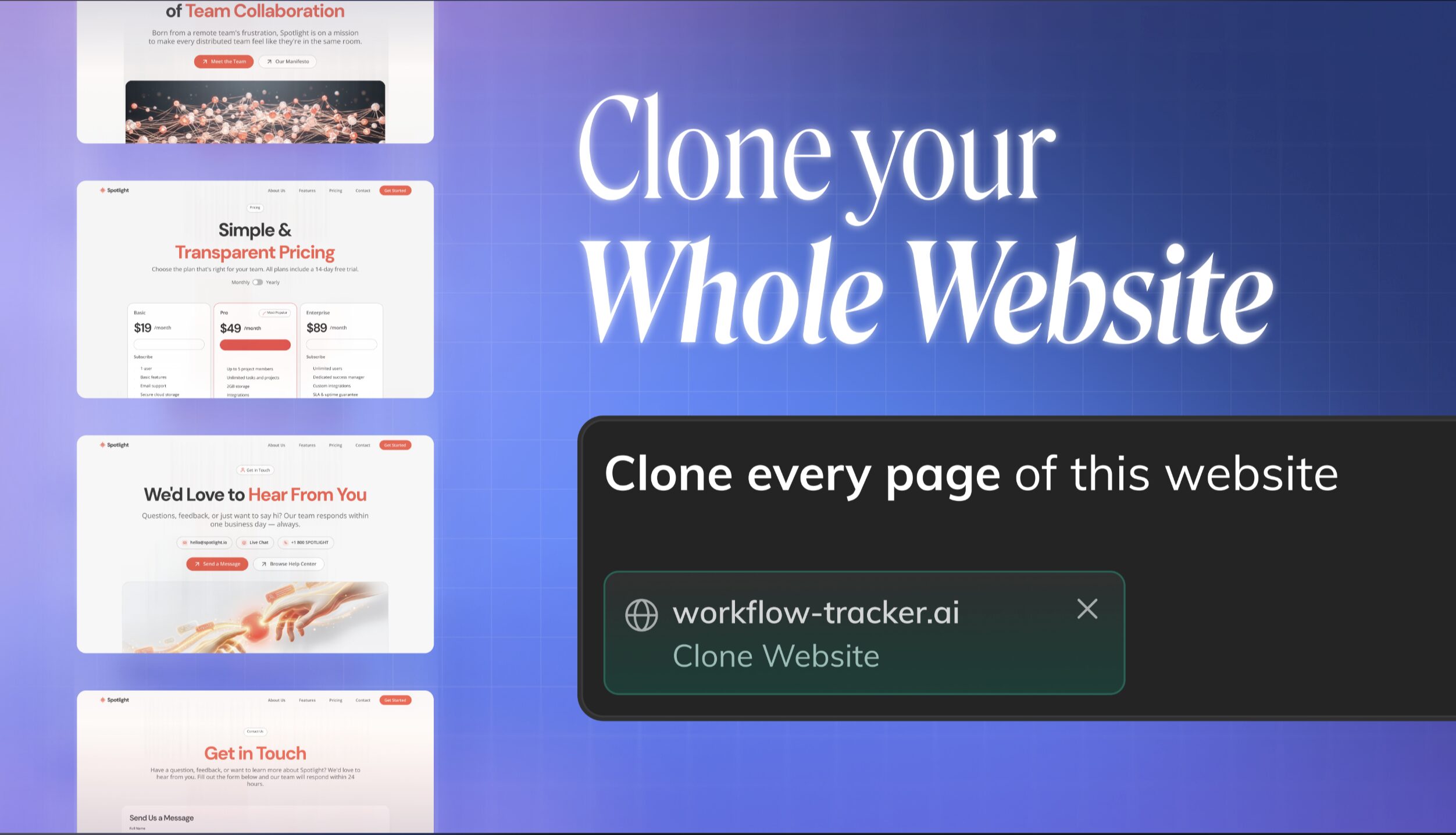
Paste a URL, pick the pages, and Anima clones the entire site into one editable app — navigation already wired, fully responsive, ready to build on.
Try Anima Now
Clone an entire website: paste a URL, pick the pages, and send.
From one page to the whole site
Here’s how it works now:
- Paste a website URL into Anima Playground.
- Pick the pages you want to clone. Anima scans the site and shows you the pages it finds.
- Generate one working app. Anima clones the selected pages into a single, connected project, preserving the original routing.
No exporting page by page. No merging code by hand. No rebuilding the nav. The complete site, in one step.
And if you need more pages later, you can add them anytime from the Playground as you keep building.
Navigation that actually works
This is the part that makes it a real app instead of a pile of screens.
When Anima clones a multipage site, it keeps the original site’s routing intact. Click a link in your cloned app and it goes where it should — automatically. You don’t wire anything up.
And because it’s all editable, you can change it. Want to restructure the navigation, rename a route, or merge two pages? Just prompt for it. The routing is preserved by default and yours to reshape.
Built the way you build
The output isn’t a throwaway export, it’s code that fits your stack:
- React or HTML
- Tailwind or inline styling
- Responsive with breakpoints
- Assets, fonts, and images captured
Even behind a login
Some of the pages you want to reference live behind a sign-in. With the Anima Chrome extension, you can clone auth-gated pages too, so the parts of a site that usually can’t be captured are now within reach.
Why does this save you real time
Cloning a five-page site the old way meant five separate clones, five exports, and a manual merge – often an hour or more of mechanical work before you’d written a single line of your own.
Now it’s one action. Same complete result. A fraction of the time.
That’s the whole point: get from a reference site to a working, editable foundation as fast as possible, so you spend your time building what’s new instead of reconstructing what already exists.
Try it now
Paste a URL into the Anima Playground and clone your first multipage site.
Free users can clone one page to try it out. Upgrade to clone up to 10 pages in a single shot — and add as many more as you need from the Playground.
This is the fastest way to turn any website into a real, editable app. Go see what you can build.
FAQs
Yes. Paste a URL and Anima crawls the site, then shows you every page it finds. Pick the ones you want — up to 10 in a single clone — and Anima clones them together into one connected app. You're not limited to the homepage.
Yes. Anima outputs clean React or plain HTML, your choice, with Tailwind or inline styling. The code is editable and built to fit how you work.
Yes. Anima preserves the original site's routing automatically, so links between pages work right away. You can also change the navigation anytime by prompting in the Playground.
Yes. Clones come through responsive with breakpoints, so they hold up across desktop, tablet, and mobile rather than at one fixed width. Fonts, images, and assets are captured too.
Yes, with the Anima Chrome extension you can clone auth-gated pages that normally can't be captured from a URL alone.
You get a working, editable multipage app in the Playground — routing wired, fully responsive, in React or HTML. From there you can edit it, restructure it, and ship it.