 Figma
Figma API
API Web to code extension
 Adobe XD
 Discord
 Twitter
 GitHub


Vibe Code With Your Figma Design System
Reading Time: 4 minutesBuild apps with your Figma design system using Anima. Convert components into React code and vibe code new UI that stays on brand.


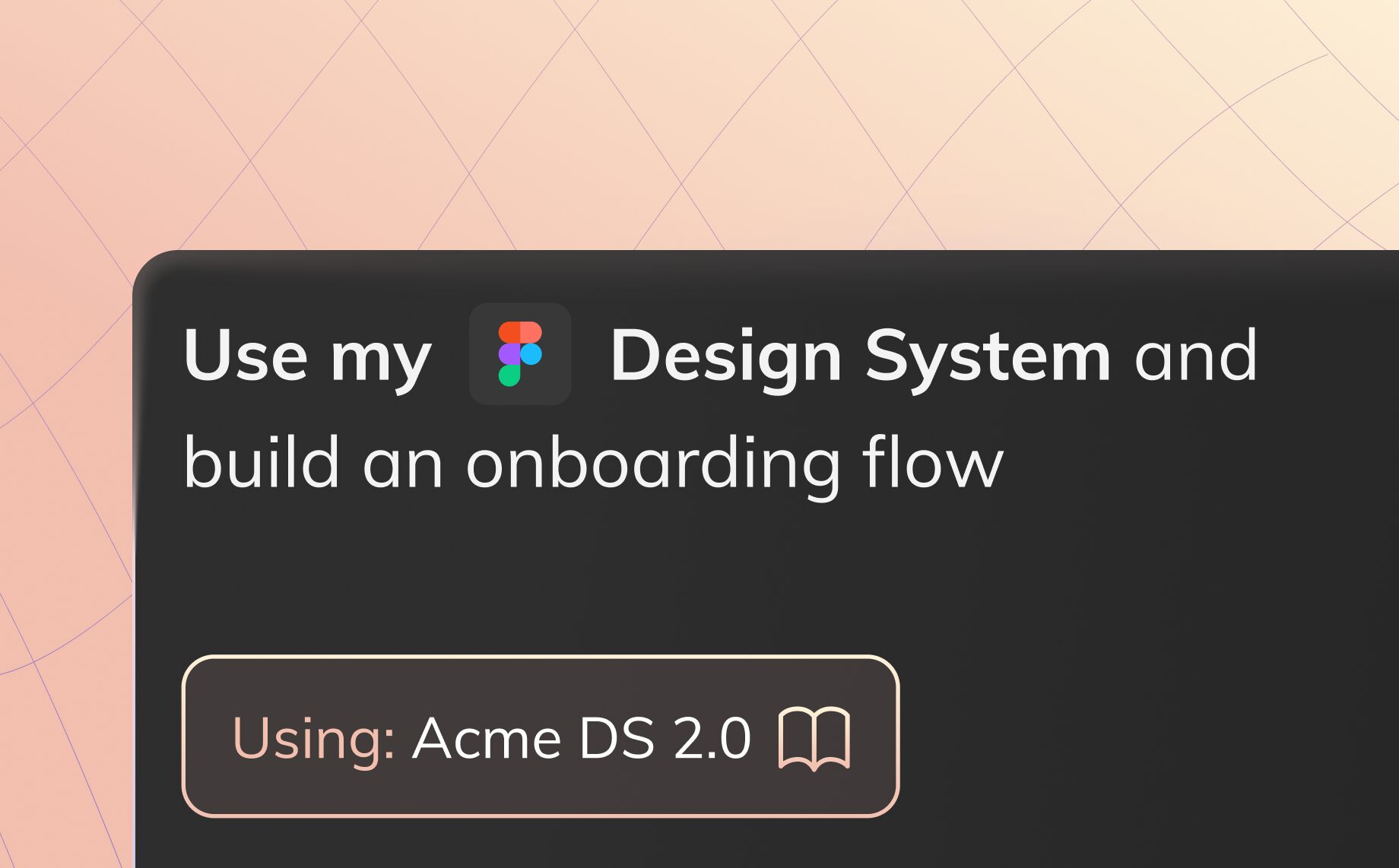
Reading Time: 4 minutesBuild apps with your Figma design system using Anima. Convert components into React code and vibe code new UI that stays on brand.

Reading Time: 3 minutesIntroducing Anima, the UX design agent that understands your brand, design system, and visual language. Go from idea to production-ready code (no design or coding skills required).


Reading Time: 5 minutesAnima is the UX design agent that understands your brand and design system. Build visually consistent, production-ready prototypes in a vibe-coding environment, then hand off to engineering via MCP. Design is now code.
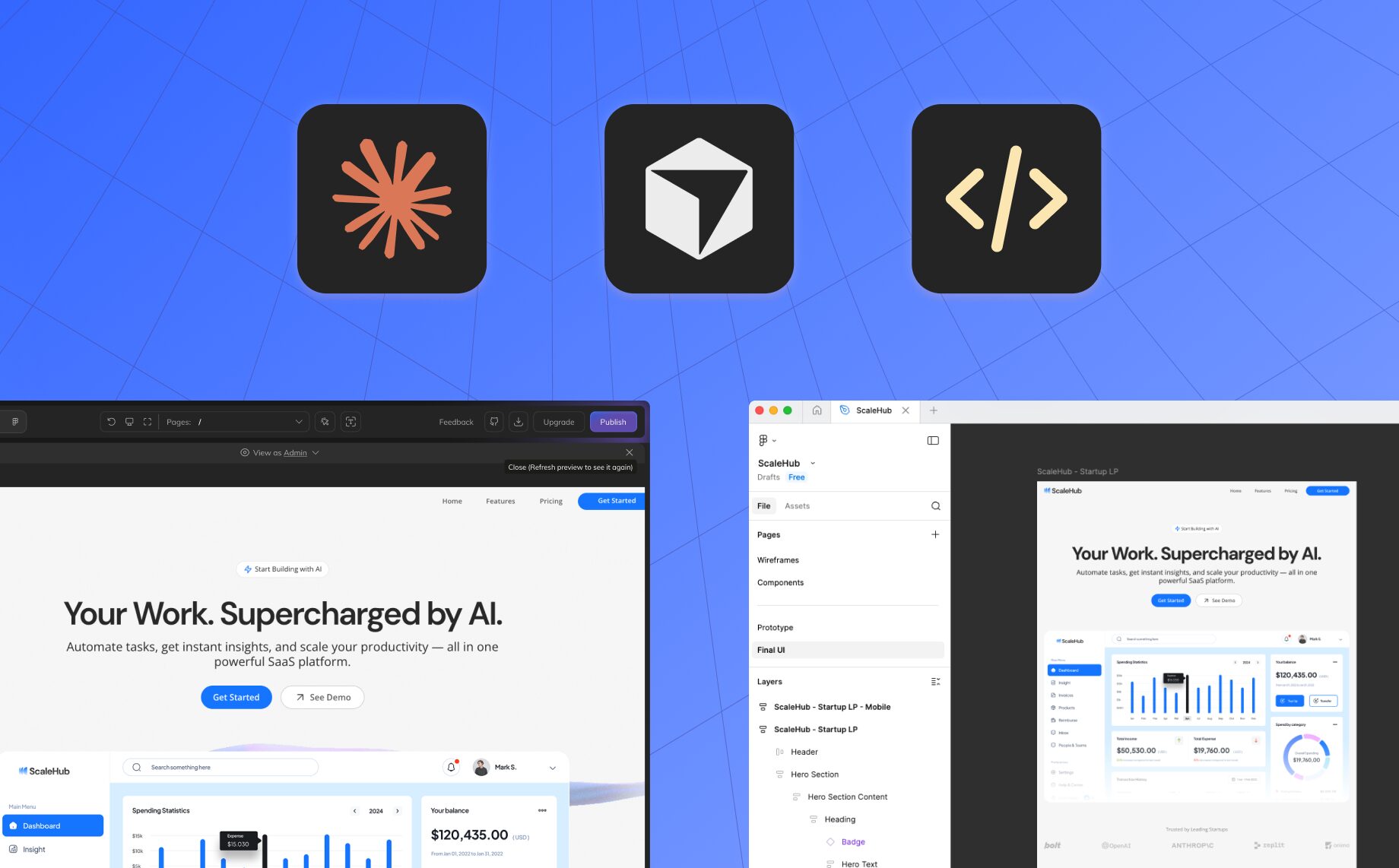
Reading Time: 2 minutesConnect your AI coding agent to Anima Playground and Figma with Anima MCP. Pull real code directly into Cursor or Claude Code, no exports, no copy-paste.
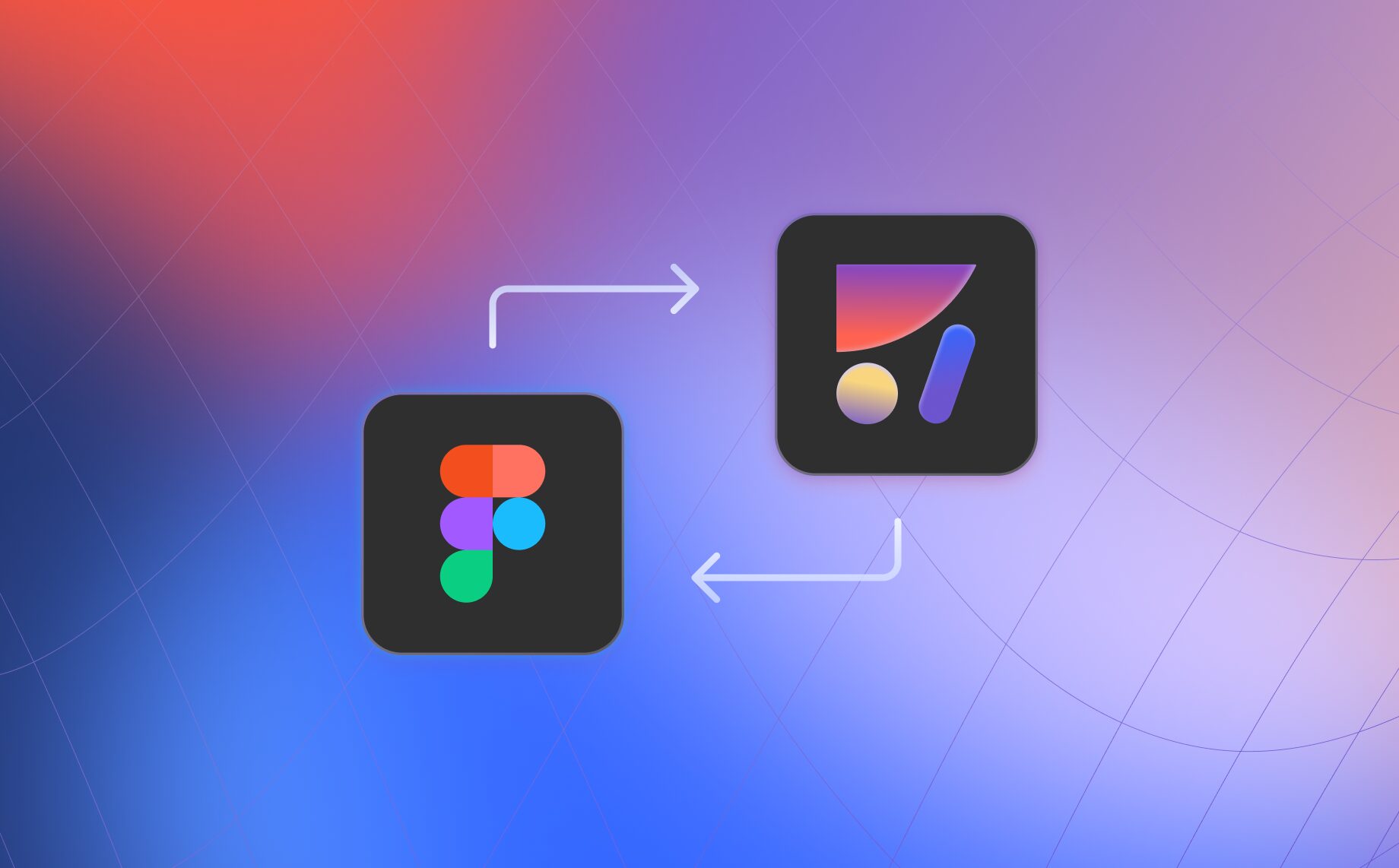
Reading Time: 2 minutesBidirectional Figma and code workflow with Anima: vibe code in the browser, copy back to Figma, import designs mid-project, and keep design and code fully in sync.

Reading Time: 4 minutesRead how I used Anima’s new Database and User Auth features to build our custom changelog. See it live at updates.animaapp.com!
Reading Time: 2 minutesAnima Playground now lets you convert full Figma prototype flows into working code with multi-screen import, allowing you to vibe code from a flow with intact design.
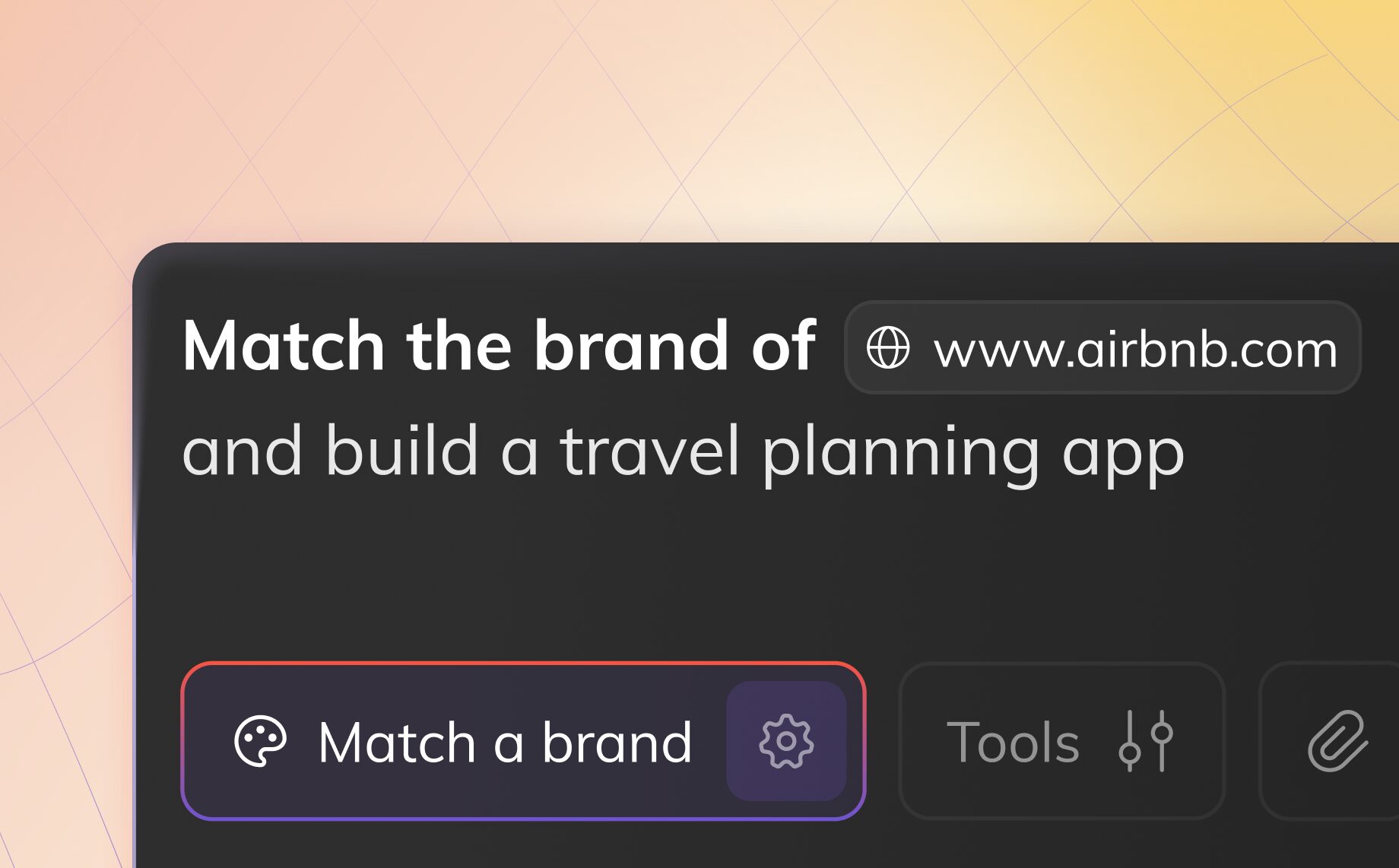
Reading Time: 3 minutesUse Anima Playground’s Inspired By feature to build product prototypes and apps inspired by any website. Capture visual DNA, skip design briefs, and communicate ideas fast.
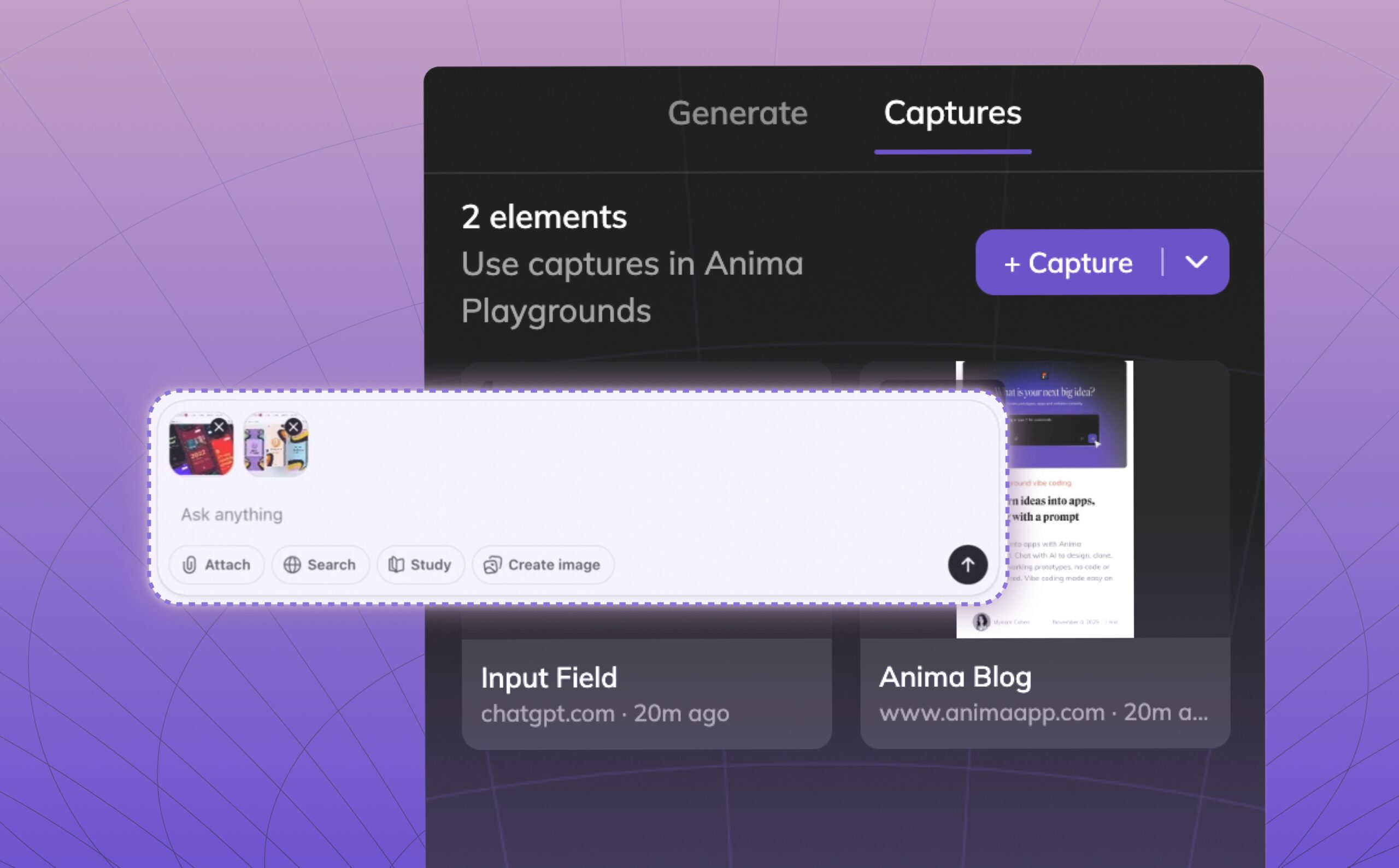
Reading Time: 2 minutesTurn any website into your UI library. Capture real elements, styles, and layouts as code and instantly use them in Anima.

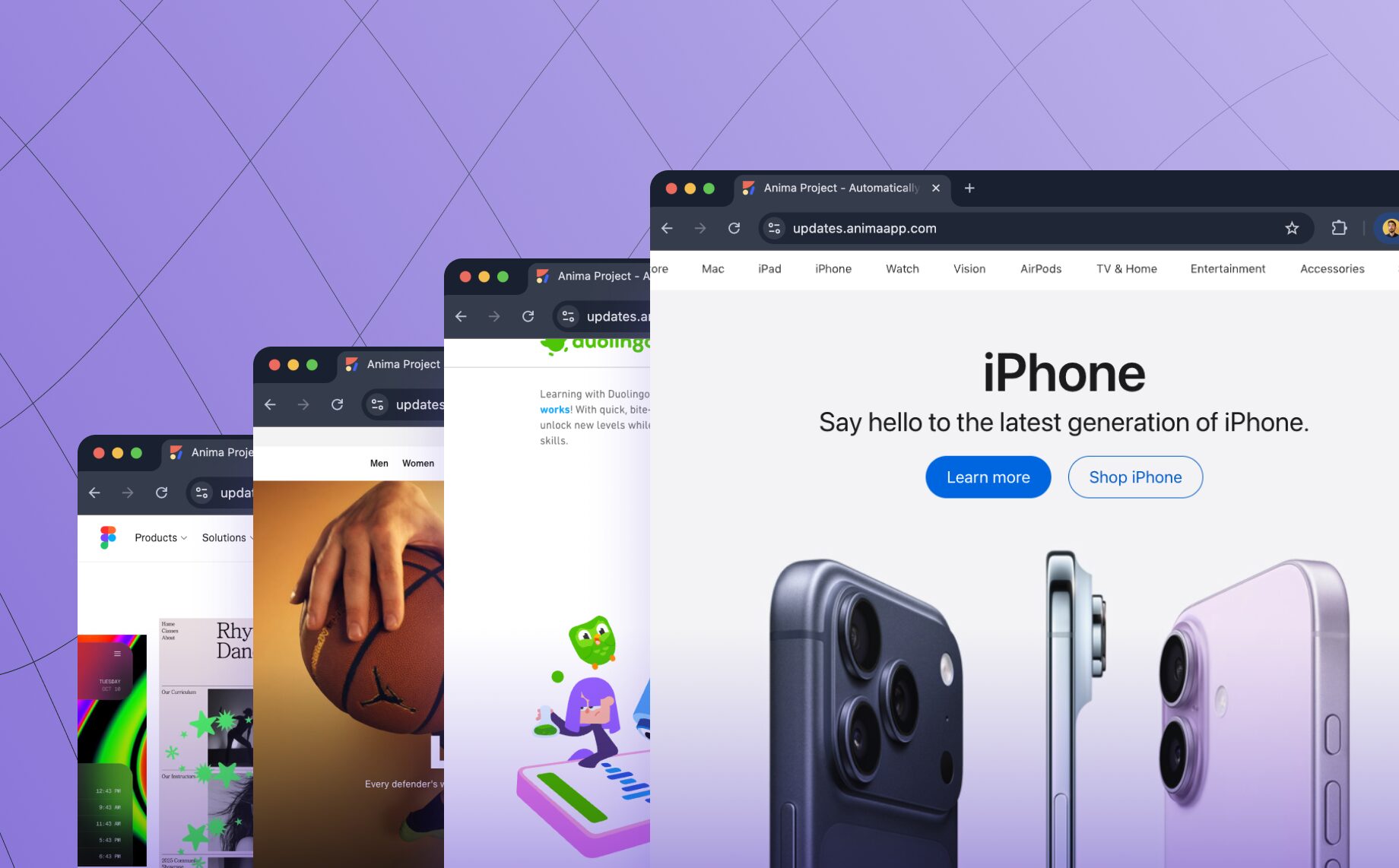
Reading Time: 2 minutesTurn any website into clean, editable frontend code. Anima’s new Link to Code lets you paste a URL and instantly generate responsive React or HTML code—perfect for prototyping, refactoring, or remixing the web.
Reading Time: 2 minutesShip apps that store real data instantly. Anima Playground creates built-in databases automatically for waitlists, forms, and internal tools. No SQL required.
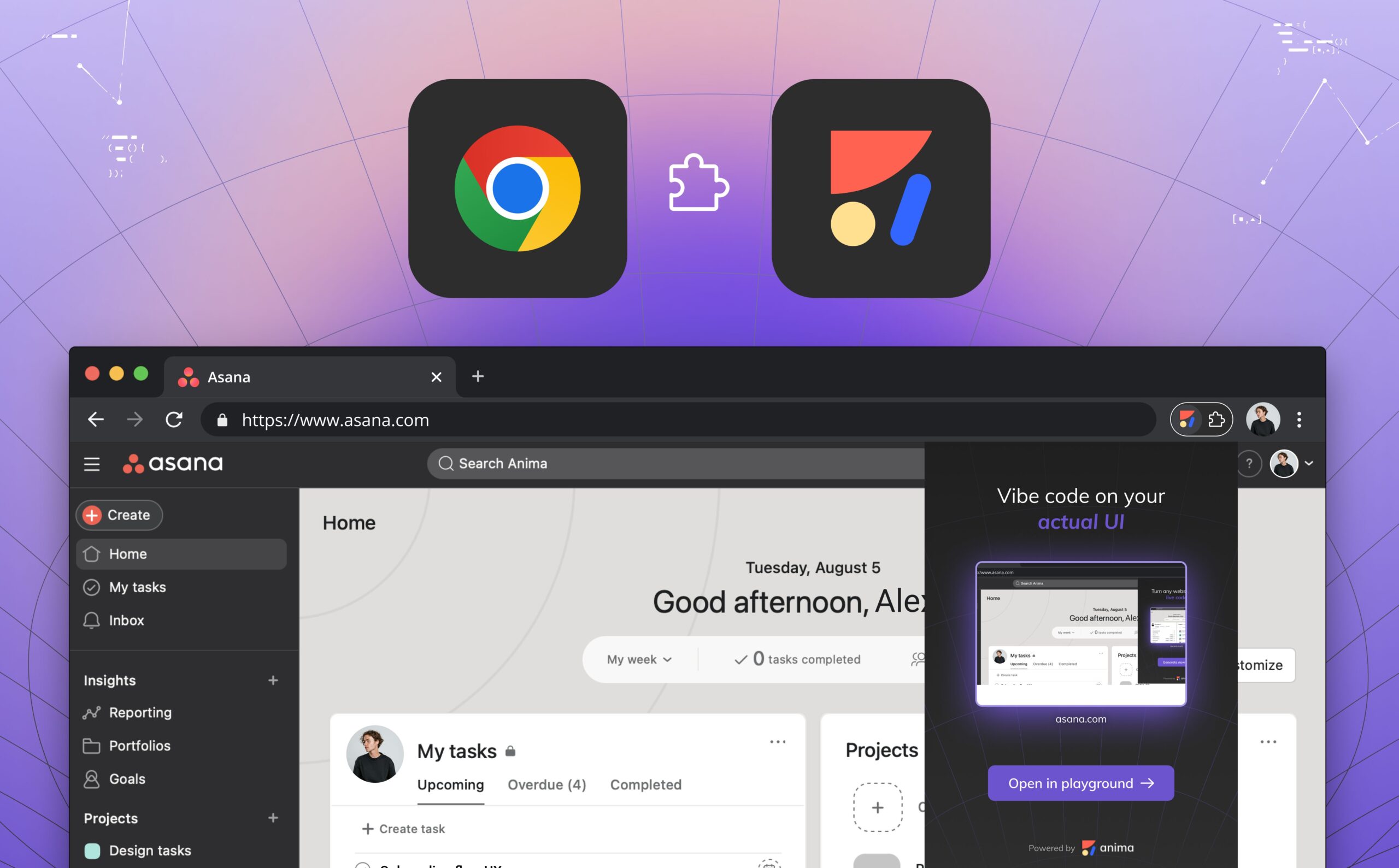
Reading Time: 3 minutesConvert private or internal web pages into clean, editable React or HTML code with Anima’s on-brand vibe coding extension. Capture secure pages, keep enterprise-grade privacy, and instantly tweak layouts, colors, and content in Anima Playground.


Reading Time: 2 minutesShort answer: Yes! Frontier will generate client components by default, when it detects NextJS. This is done by adding the ‘use-client’ statement at the beginning of the component declaration.
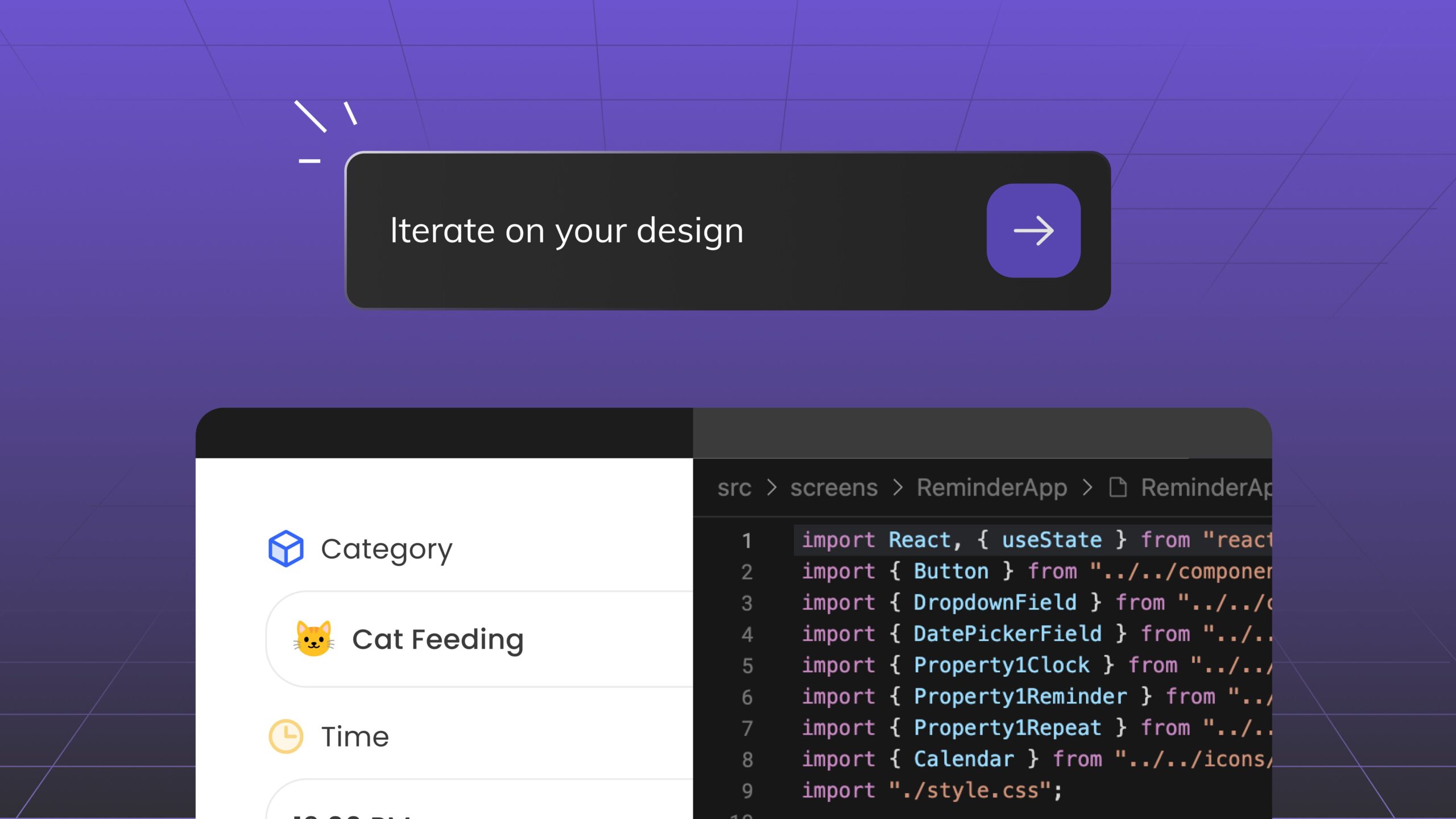
Reading Time: 3 minutesDiscover Anima Playground and Anima API—AI tools that generates high-end code with UI awareness for the age of agents and vibe-coding.

Reading Time: 2 minutesAnima is now SOC 2 (Type II) certified! 🚀 Learn how our enterprise-grade security ensures your designs, code, and AI-powered workflows remain protected.
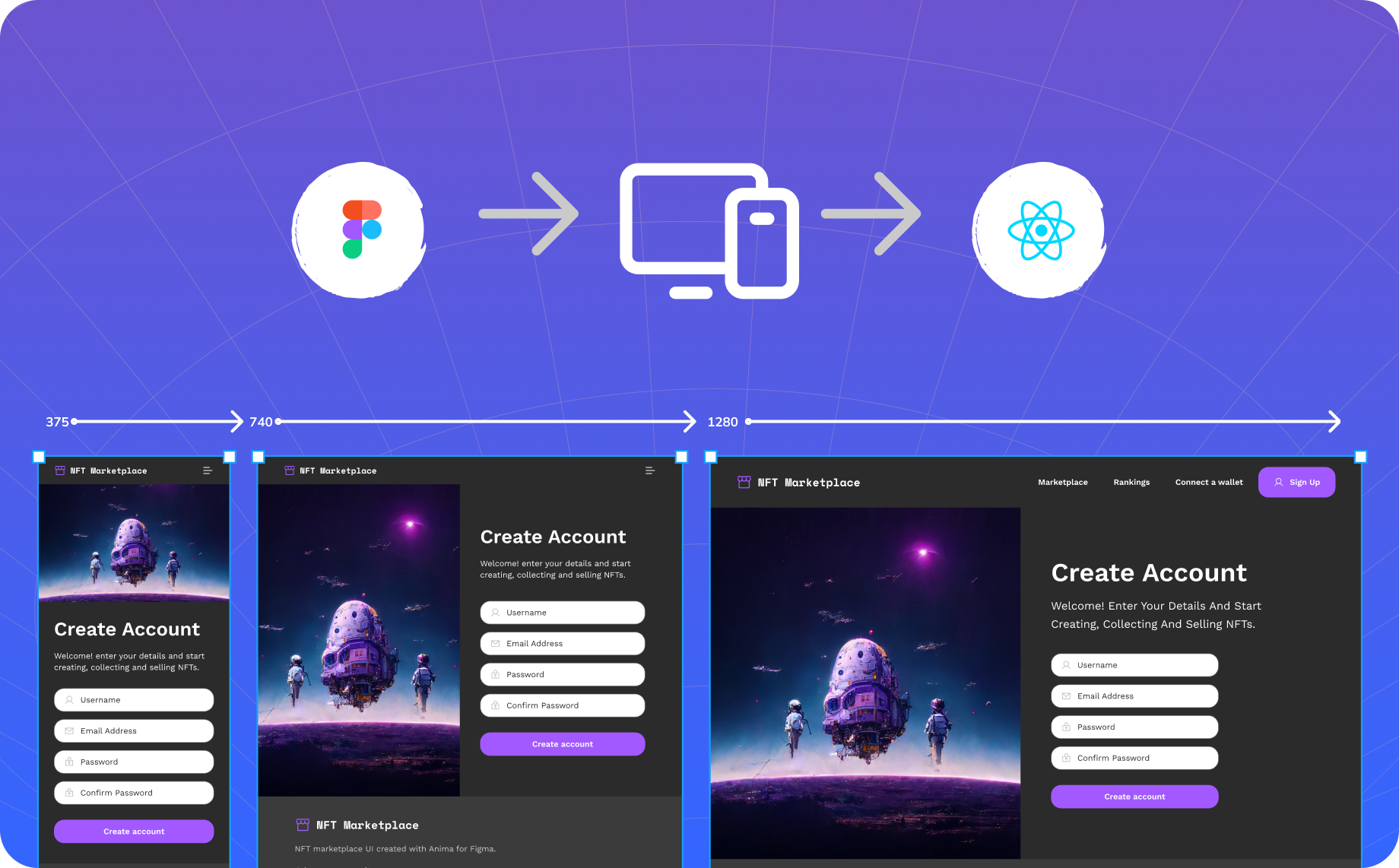
Reading Time: 2 minutesSimply define how you want your design to look for different screen sizes in Figma, and Anima will automatically generate code that adapts to each one.

Reading Time: 4 minutesFrontier is the first AI coding assistant tailored for Front-end development. It quickly analyzes your entire codebase, mapping your design system, frameworks, conventions, and components locally for maximum security. Using Anima’s advanced design-to-code engine, turn design into React, using your existing components.

Reading Time: 2 minutesAnnouncing the launch of Single Sign-On (SSO) support as part of our Enterprise Plan! This new feature is designed to enhance security, streamline access, and simplify user management for organizations of all sizes. With support for the Security Assertion Markup Language (SAML) protocol, we are taking authentication to the next level.

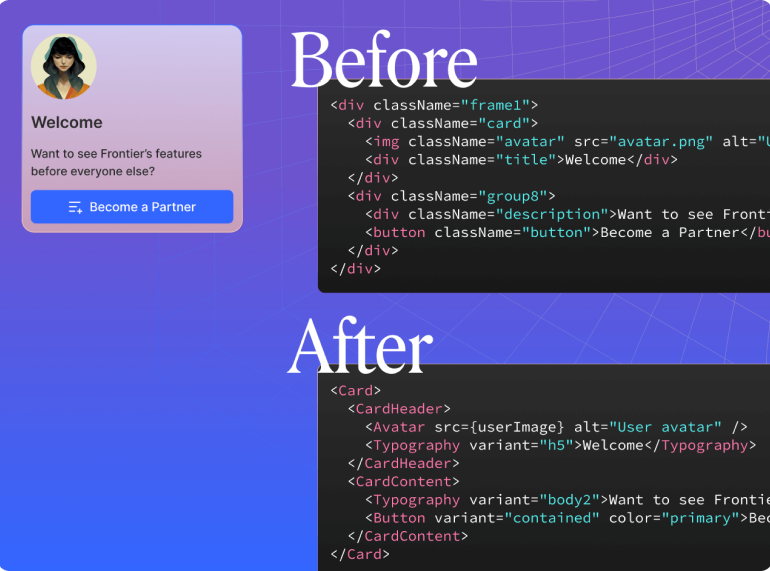
Reading Time: 2 minutesFrontier's Smart Code Optimizer is here to speed up your development process with two powerful new features: Component Identification through Visual Analysis and Advanced Code Cleanup. These tools will streamline your workflow, saving you time and ensuring your code is clean, readable, and functional from the start. Let’s explore how these new features can transform your coding experience.

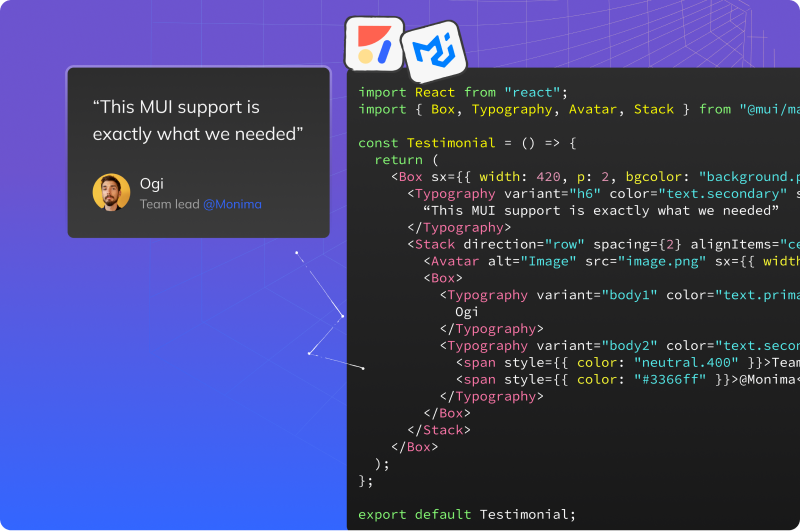
Reading Time: 4 minutesWe’re excited to introduce Anima’s latest feature: the ability to transform any Figma design into clean, functional code using Material UI (MUI). This powerful capability helps developers quickly convert any Figma file—whether it’s well-structured or not—into high-quality MUI code.

Reading Time: 3 minutesTransform your Figma designs into production-ready shadcn components with Anima. Streamline your workflow, maintain design consistency, and generate Tailwind-based code effortlessly.