 Figma
Figma API
API Web to code extension
 Adobe XD
 Discord
 Twitter
 GitHub


Figma to HTML: How to export a Figma design into HTML
Reading Time: 3 minutesExport Figma designs to HTML with AI. Get clean, customizable code for individual frames or full websites using Anima's AI-powered code generator.


Reading Time: 3 minutesExport Figma designs to HTML with AI. Get clean, customizable code for individual frames or full websites using Anima's AI-powered code generator.
Reading Time: 3 minutesConvert Figma to React code instantly with Anima. Use Anima Playground or Figma plugin to export clean, responsive, developer-ready React components in minutes—no manual coding required.
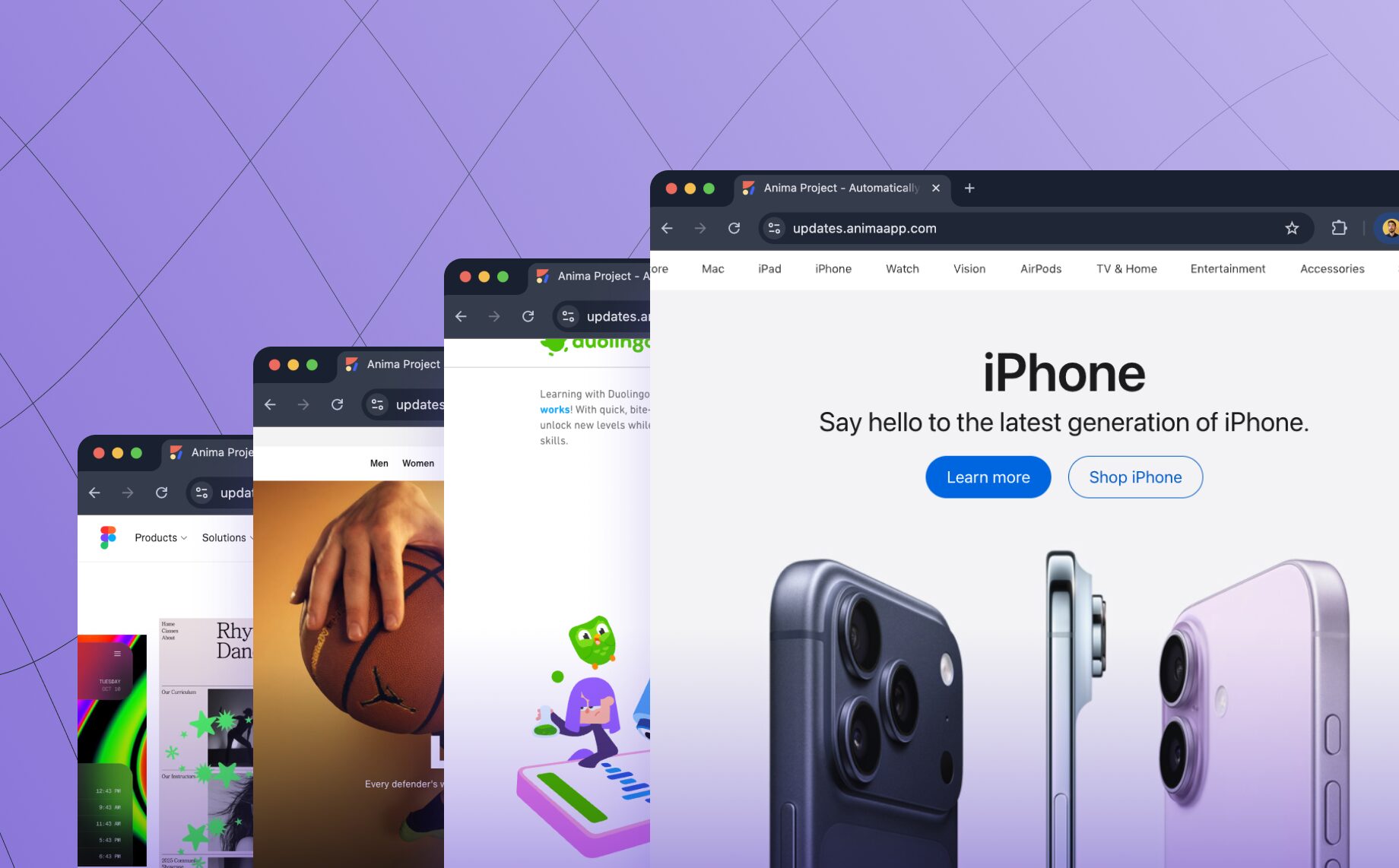
Reading Time: 2 minutesTurn any website into clean, editable frontend code. Anima’s new Link to Code lets you paste a URL and instantly generate responsive React or HTML code—perfect for prototyping, refactoring, or remixing the web.


Reading Time: 5 minutesAgentic workflows were just introduced, but they seem to evolve on a daily basis with new tools and architectures every day, as we learn to leverage them in real world applications. These are my insights from Anima’s ongoing journey to automate Front-end engineering with AI design to code solutions.


Reading Time: 3 minutesWhere can I see the code? Is Anima free? Anima's users ask us many questions daily, so we've compiled the 11 most common questions and answered them for you.
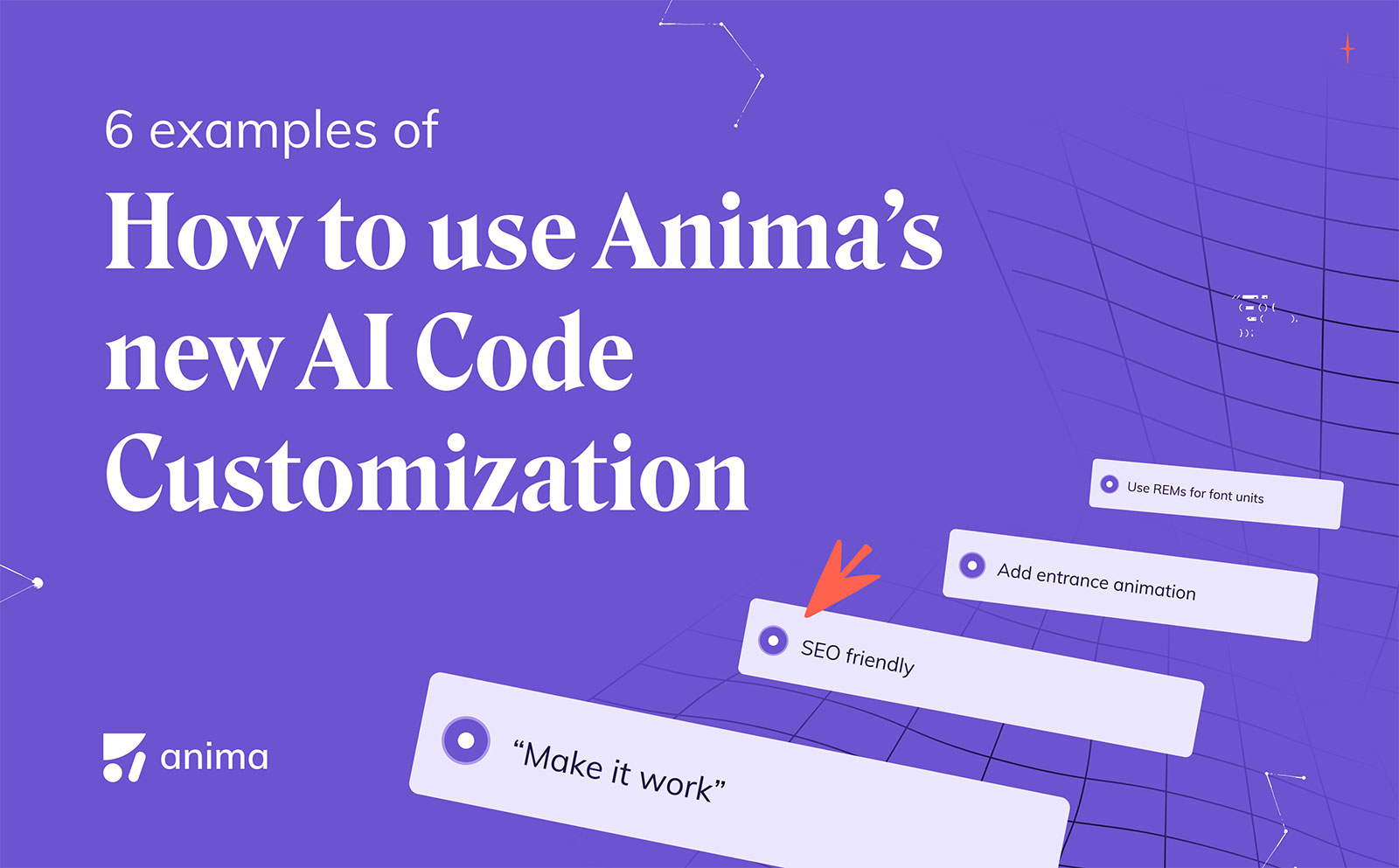
Reading Time: 5 minutesAnima's latest innovation, GenAI code personalization within Figma, is game-changing for front-end developers. This feature introduces a layer of customization that speaks directly to the developer's style and technical requirements. Let’s see how Anima’s GenAI helps you add code conventions, styles, behaviors, and animations.

Reading Time: 2 minutesPrototyping with Anima Tip #5 out of 5
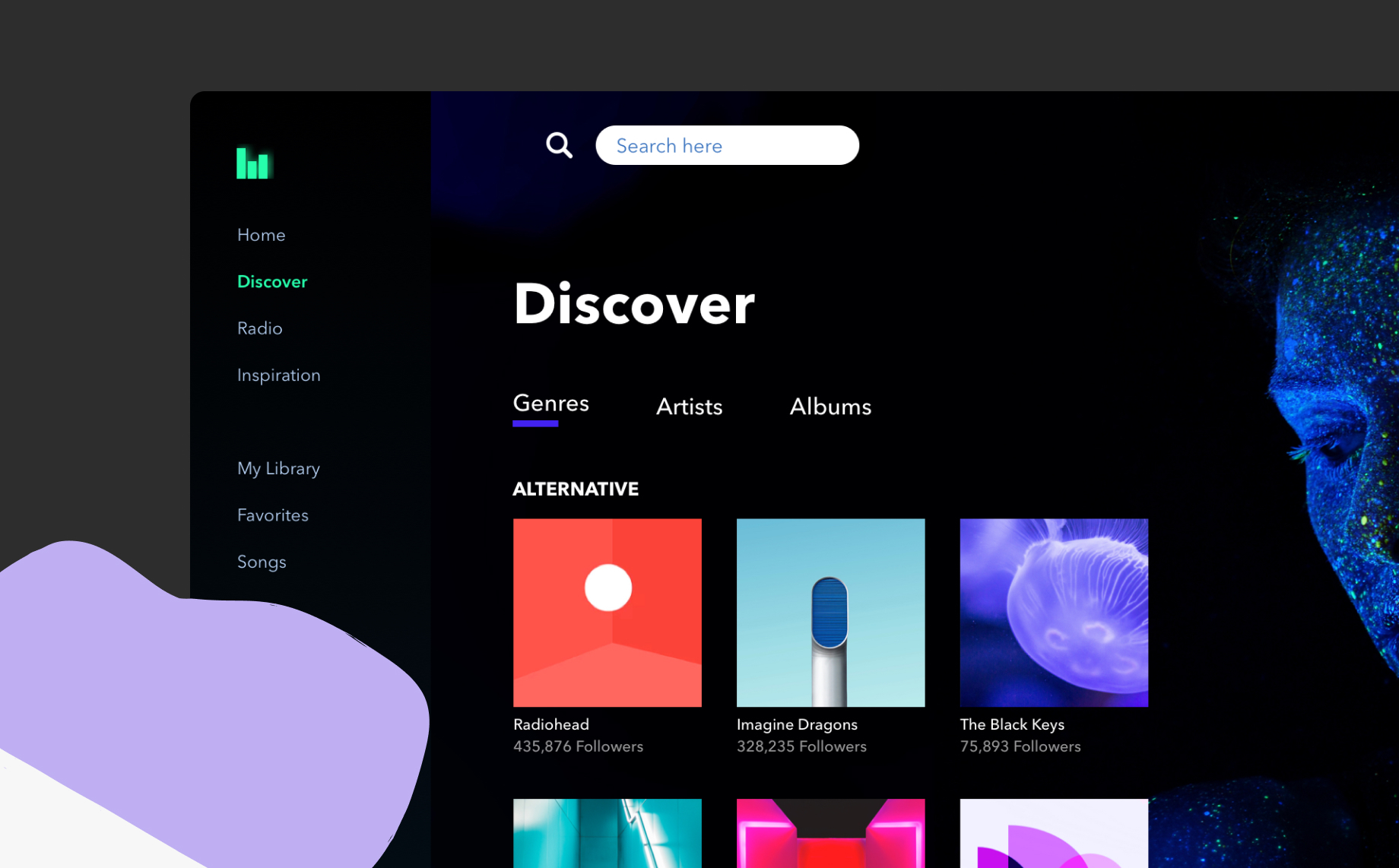
Reading Time: 3 minutesLearn to create a High-Fidelity Prototype using Sketch and Anima

Reading Time: 2 minutesPrototyping with Anima Tip #2 out of 5
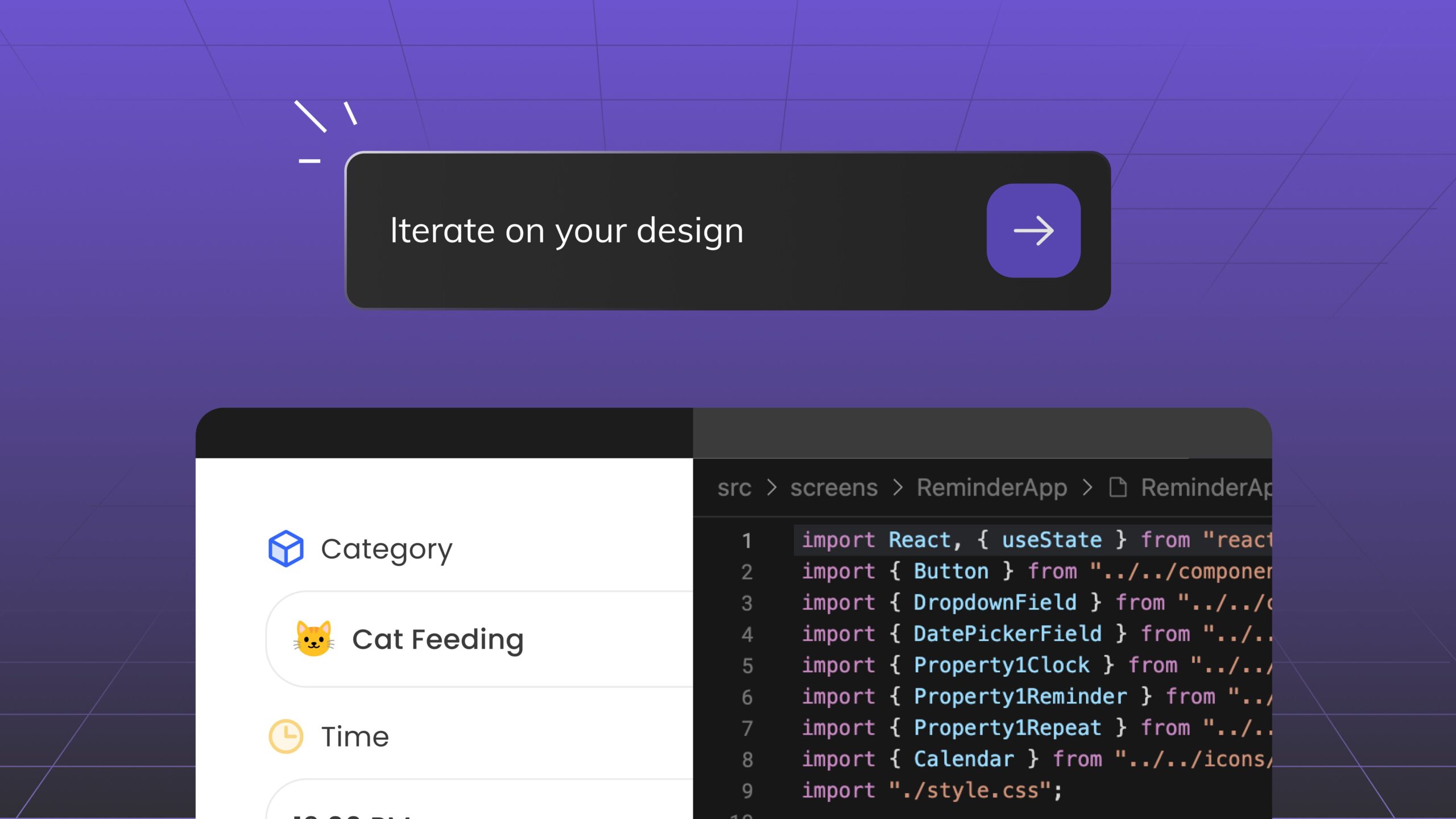
Reading Time: 3 minutesDiscover Anima Playground and Anima API—AI tools that generates high-end code with UI awareness for the age of agents and vibe-coding.


Reading Time: 3 minutesThe short answer is: No, ChatGPT cannot directly convert Figma files to code. However, that doesn’t mean it’s not useful in your workflows.
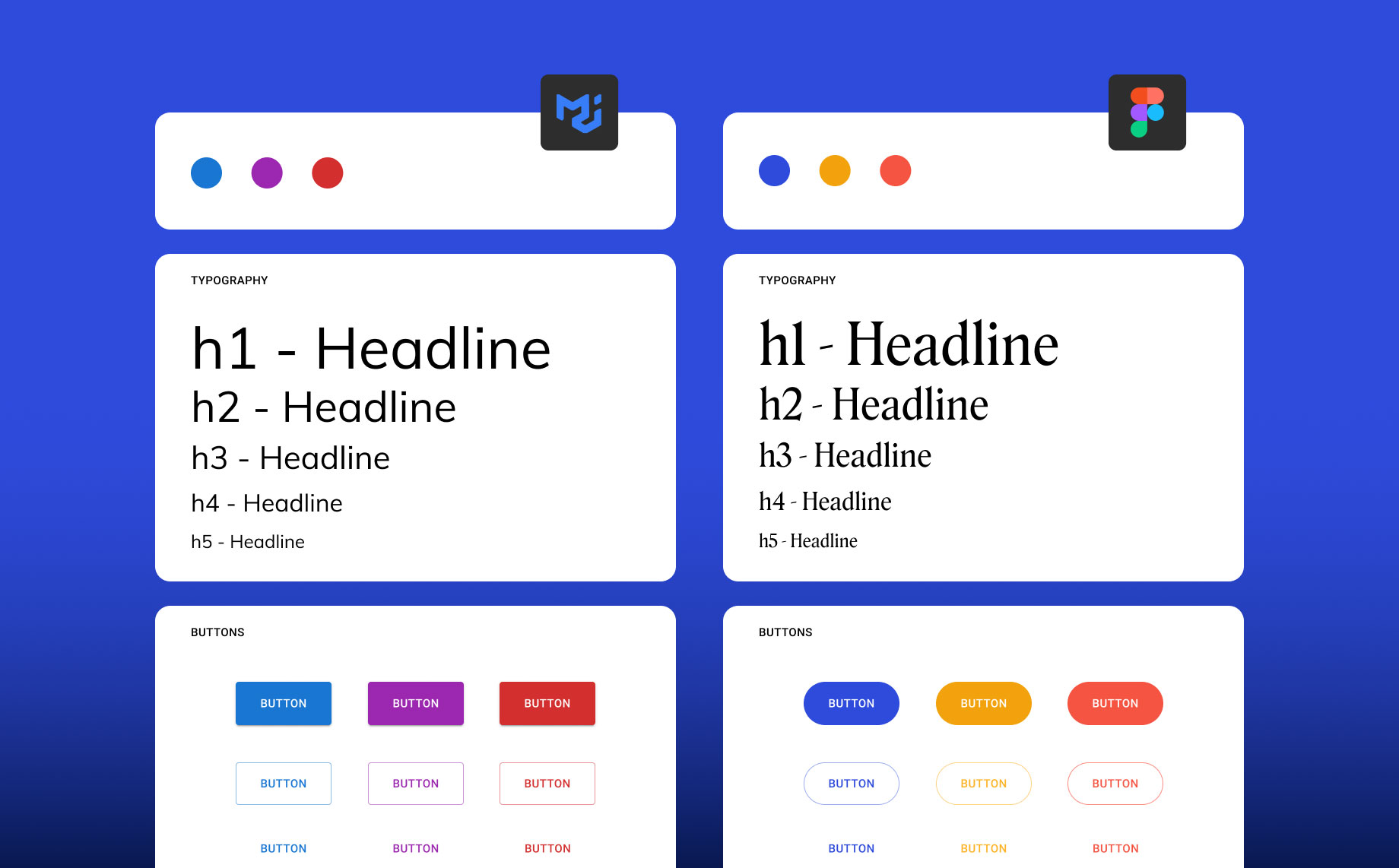
Reading Time: 4 minutesImagine joining a startup as the sole designer and delivering a new product without a design system. It’s every product designer’s nightmare. I didn’t have the time or resources to create one from scratch, so I adapted someone else’s. 💡

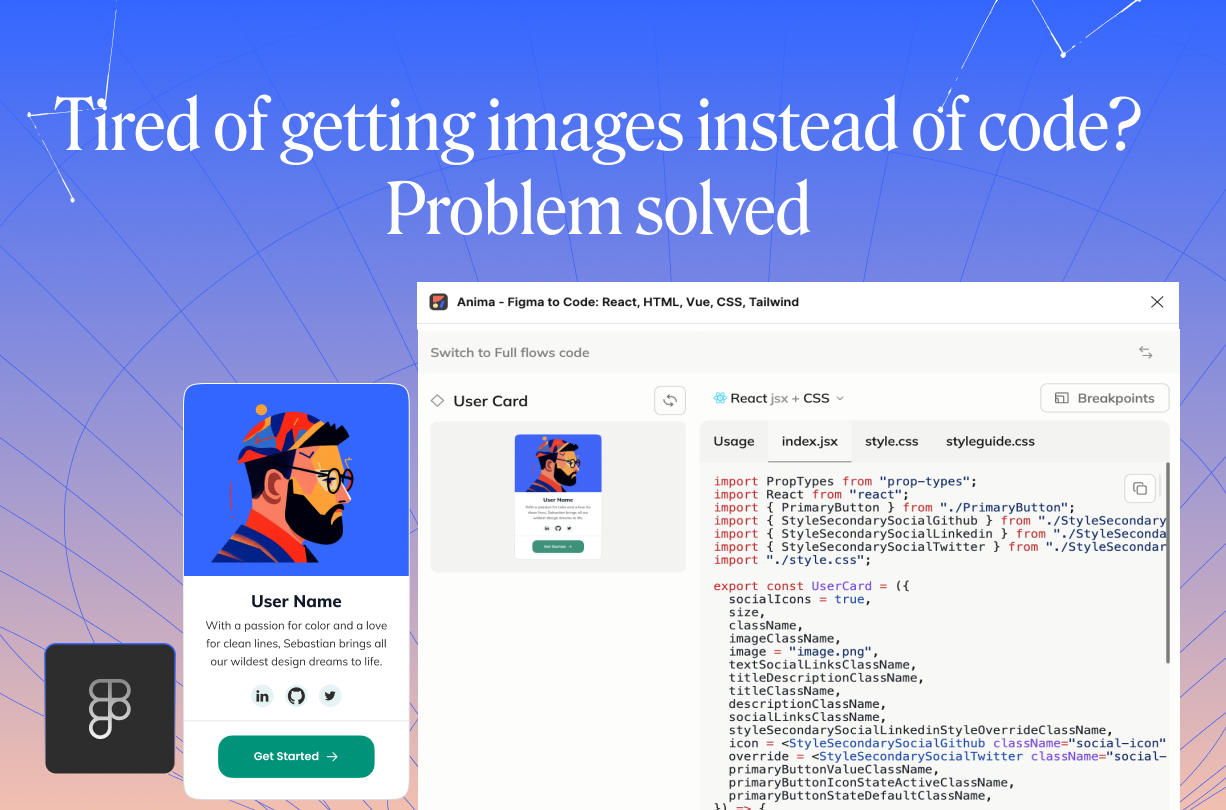
Reading Time: 2 minutesLearn how to control Figma-to-code exports with Anima's new image export override feature. Keep designs interactive by choosing when layers should export as images or code, ensuring a responsive and functional final product.

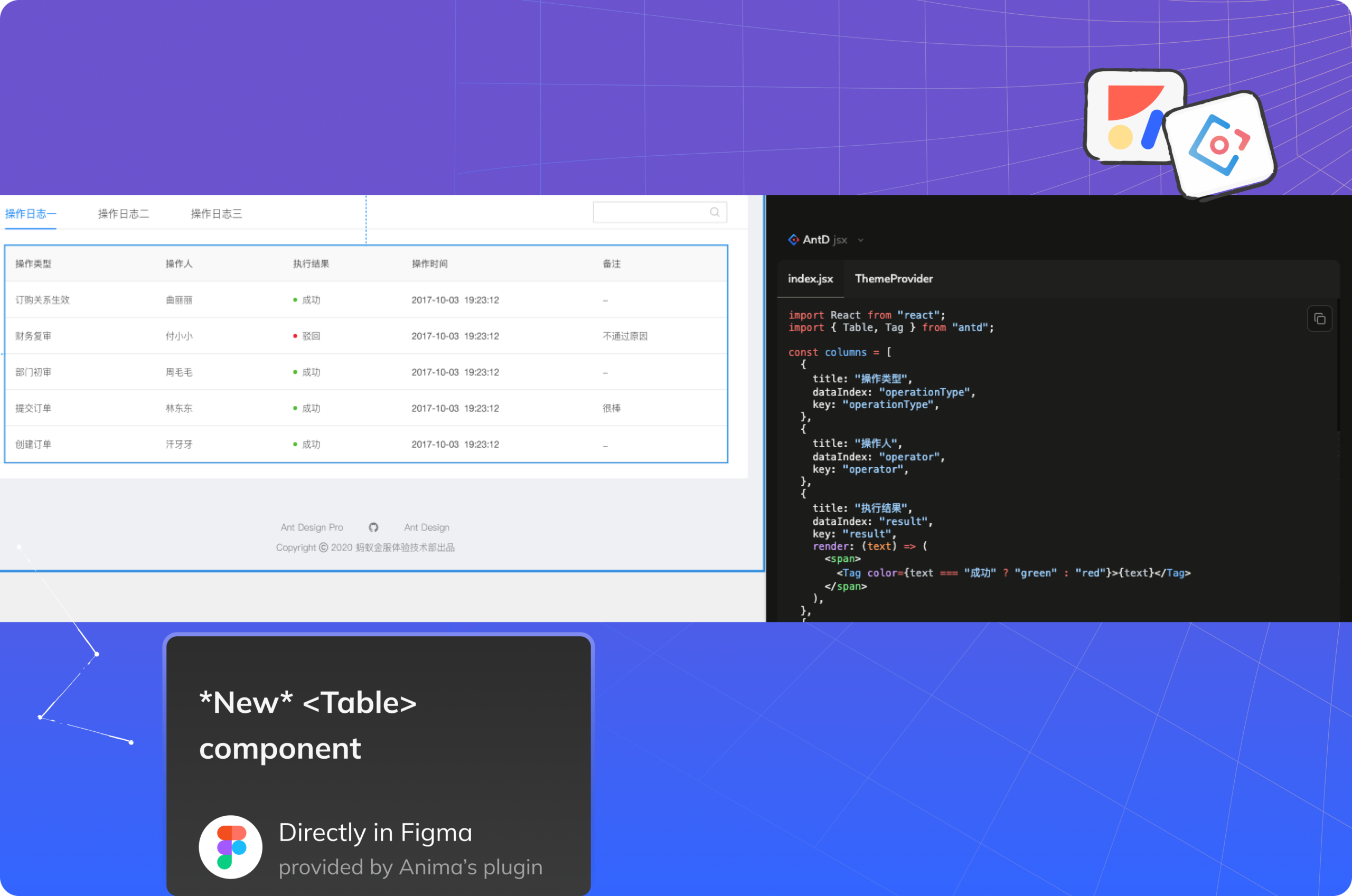
Reading Time: 4 minutesWe’re excited to introduce our latest feature: seamless support for Ant Design (AntD)! Now you can transform any Figma design—whether it’s tidy or a little chaotic—into clean, production-ready Ant Design code. With Anima’s AntD integration, developers can quickly bridge the gap between design and code, turning creative visions into structured, reusable components.

Reading Time: 5 minutesAlthough the concepts of product design and development have become increasingly similar, we still have two sources of truth — Design and Code. Anima is here to automate design-to-code with AI, freeing developers and designers to create and build digital products faster.
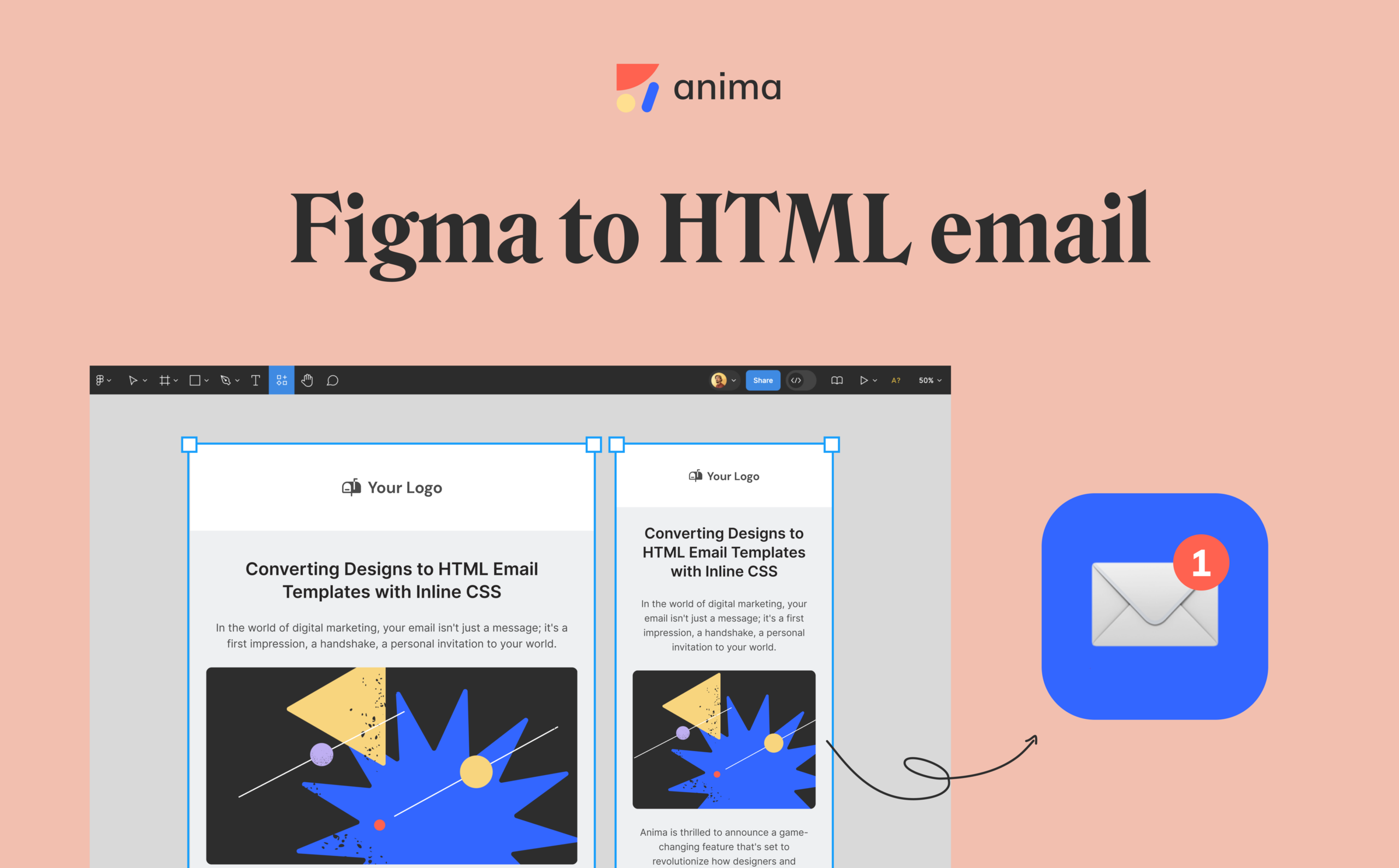
Reading Time: 4 minutesWith Anima’s Figma plugin, you can convert your flex layouts directly into HTML email templates. We’ll do all the hard work of converting those into table layouts with inline CSS. You design freely in Figma, and we’ll do the heavy lifting of translating your vision into adaptive, pixel-perfect emails.

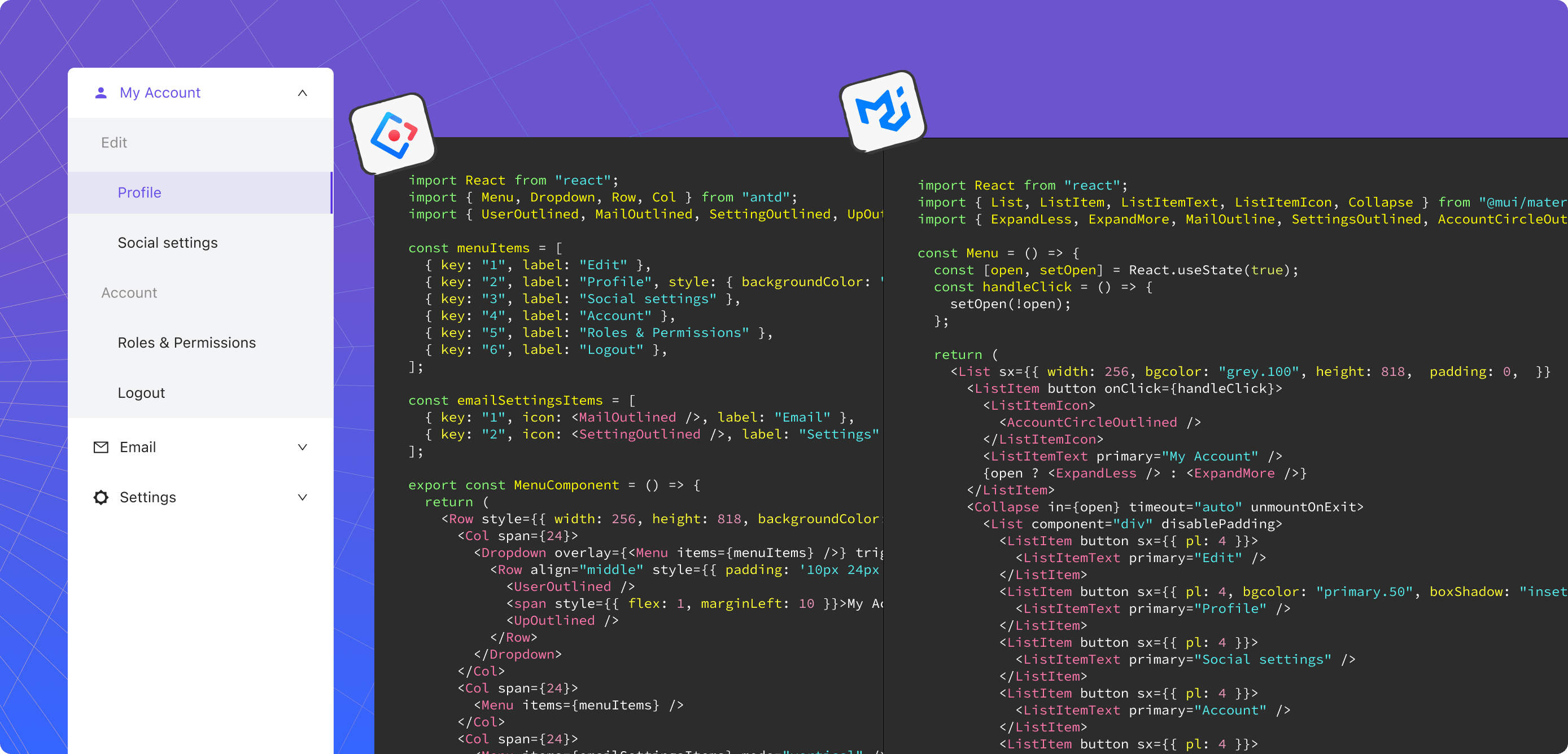
Reading Time: 3 minutesGenerate clean and functional code from any Figma file, no matter how it’s structured or which components it uses. Whether your design is well organized or a bit chaotic, if it uses standard components or none at all, Anima takes it all and translates it into high-quality MUI or Ant Design code.


Reading Time: 3 minutesTurn Sketch, Figma, or Adobe XD into developer-friendly React.js code with Anima
Reading Time: 3 minutesThis article will show you how to seamlessly export Figma designs into Tailwind CSS using Anima. Anima will map your design properties to Tailwind's base styles. Design attributes, such as colors, spacing, and typography, will be translated into concise Tailwind classes.
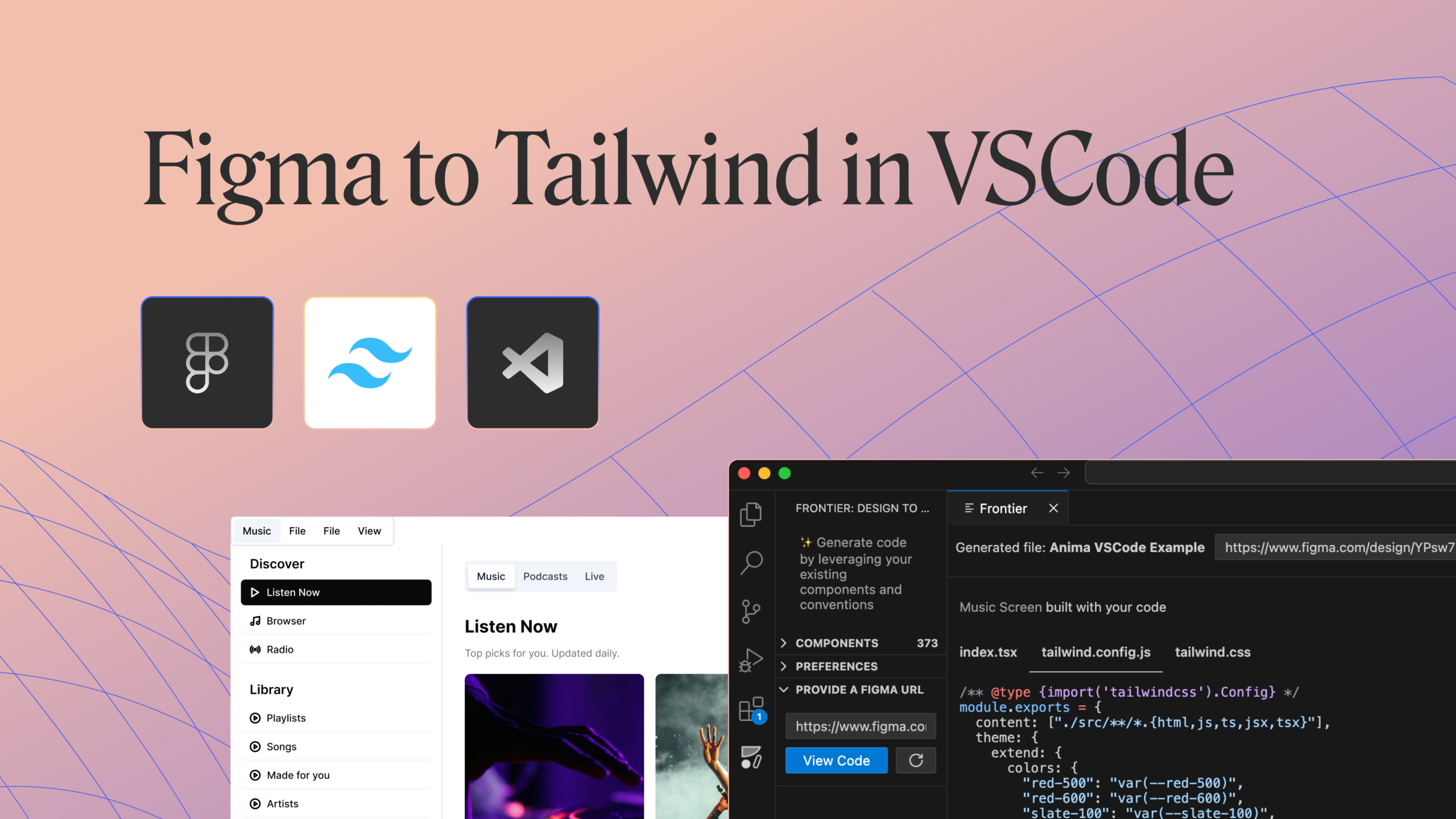
Reading Time: 2 minutesFrontier seamlessly transforms Figma files into React code, perfectly integrating with your existing Tailwind configurations. Frontier meets you where you work, in VS Code.

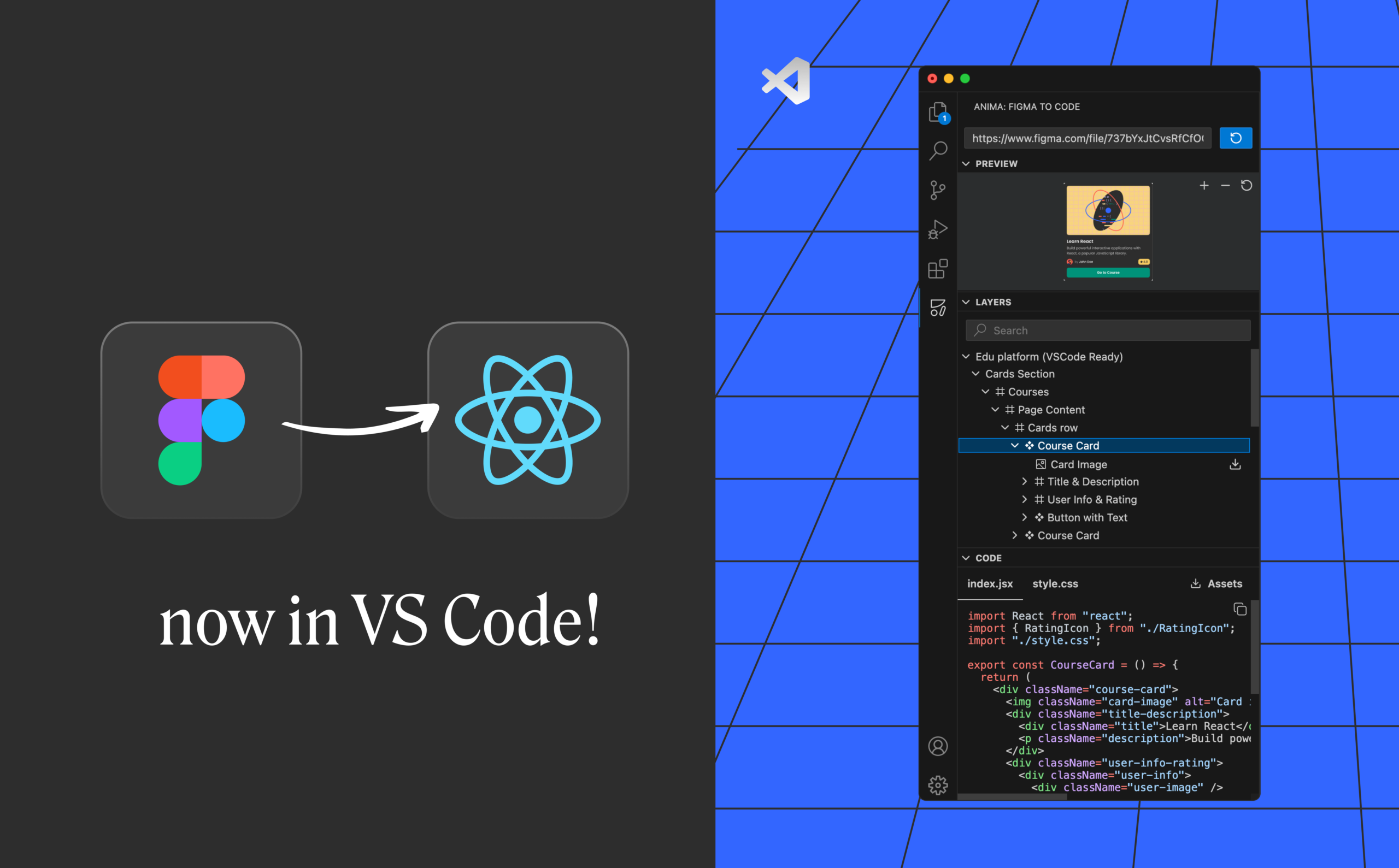
Reading Time: 2 minutesA big step toward becoming developers’ sidekick is Anima’s new VSCode extension, now available in beta. With the first beta, you’ll be able to turn Figma into code right inside Visual Studio Code.